
Over 90 percent of consumers rely on online searches to find local businesses, yet incomplete or poorly managed profiles miss out on valuable leads. Setting up a Google Business Profile is more than a checklist, it is your first impression for customers trying to decide where to spend their money. This step by step guide breaks down every essential task, from gathering your business details to engaging with customers, so you can stand out and attract more local attention.
Table of Contents
- Step 1: Prepare Required Business Information And Images
- Step 2: Claim Or Create Your Google Business Profile
- Step 3: Complete And Optimize Your Profile Details
- Step 4: Enable Messaging And Set Up Automated Responses
- Step 5: Verify And Monitor Your Google Business Profile
Quick Summary
| Key Point | Explanation |
|---|---|
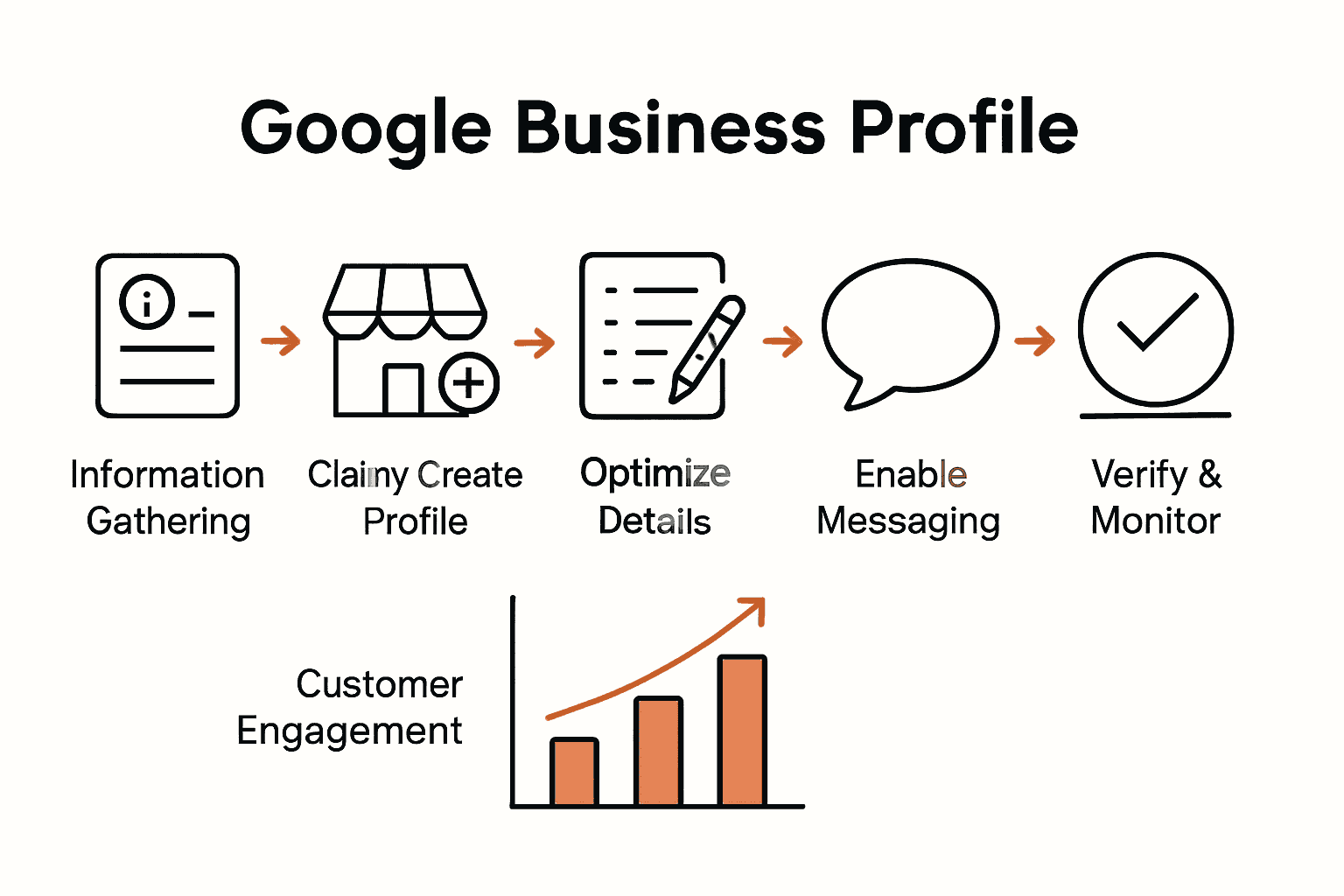
| 1. Gather Accurate Business Information | Collect your business name, address, phone number, and hours to ensure consistency across platforms. |
| 2. Claim or Create Your Profile | Search for your business on Google. If it exists, claim ownership; if not, create a new profile. |
| 3. Complete Profile with Engaging Details | Fill out every section with valuable information including descriptions, services, and high-quality photos. |
| 4. Enable Messaging and Automate Replies | Turn on messaging in settings to allow direct customer communication and set up friendly automated responses. |
| 5. Verify and Regularly Monitor Your Profile | Ensure your profile is verified for legitimacy and check it weekly for updates and customer interactions. |
Step 1: Prepare Required Business Information and Images
Getting your Google Business Profile up and running starts with gathering all the essential business details that will help potential customers find and understand your brand. According to Coursera, having complete and accurate information is crucial for creating an appealing profile that attracts local customers.
First, collect all your core business information. This includes your exact business name (exactly how it appears on legal documents), precise physical address, primary phone number, and current business hours. You will want to have these details consistent across all platforms. Make sure you have high resolution images ready that showcase your business environment professional headshots, storefront pictures, and images of your products or services in action. Pro tip: Choose images that are clear, well lit, and represent your brand authentically.
Dont overthink the image selection process. Just pick professional looking photos that genuinely represent what customers will experience when they visit your business. The goal is to create transparency and build initial trust before a customer even walks through your door. Your next step will be verifying and uploading these details into your Google Business Profile platform.
Step 2: Claim or Create Your Google Business Profile
Now that you have your business information ready, it is time to establish your official presence on Google. According to Coursera, the process of claiming or creating a Google Business Profile involves several strategic steps to ensure your business appears accurately on Google Search and Maps.
Start by opening Google Business Profile and searching for your business name. If your business already exists, you will need to claim ownership by requesting verification. If your business is not yet listed, you will create a new profile from scratch. During this process, select the most accurate business category that represents your services ensure this matches your actual business type. Youll be asked to provide contact details, business description, and other key information to help potential customers understand what you offer.
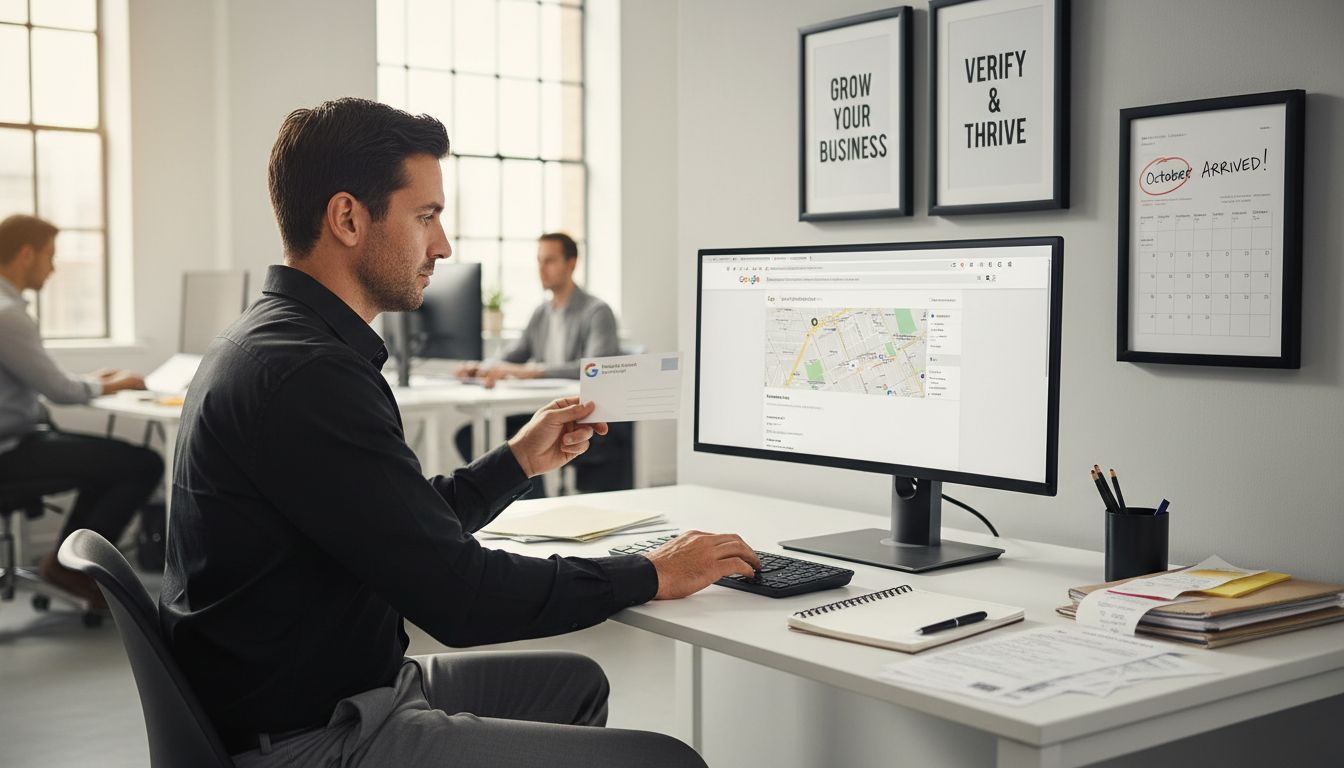
Pro tip: Be patient with the verification process. Google typically sends a verification code via postcard to your business address which can take 5 to 14 days to arrive. Once you receive the code, enter it promptly to complete your profile setup.
 Learn more about local search strategies for small businesses that can help maximize your online visibility. Your next step will involve adding detailed information and compelling images to make your profile stand out.
Step 3: Complete and Optimize Your Profile Details
With your Google Business Profile created, now comes the critical task of making your profile shine and attract potential customers. According to Coursera, effectively managing and updating profile details is key to maintaining an engaging and accurate online presence that helps customers understand your business.
Start by filling out every possible section of your profile with precise and compelling information. This includes writing a clear business description that highlights your unique value proposition, selecting accurate business categories, and adding your specific service offerings. Upload high quality photos that showcase your business interior, exterior, team, and products. Make sure your business hours are current and accurate include holiday hours and any seasonal variations. Add your contact information including phone number, website, and email address to make it easy for potential customers to reach you.
Pro tip: Think like a customer when crafting your profile. Use language that speaks directly to your target audience and provides the information they would want to know. Explore local search ranking strategies to understand how a well optimized profile can improve your online visibility. Your next step will involve monitoring and responding to customer reviews to further enhance your business reputation.
Step 4: Enable Messaging and Set Up Automated Responses
Taking your Google Business Profile to the next level means enabling direct communication with potential customers. According to Coursera, setting up messaging and automated responses is crucial for improving customer engagement and ensuring timely communication.
To enable messaging, navigate to the messaging section in your Google Business Profile settings. Toggle on the messaging feature and set up your initial communication preferences. Create a series of helpful automated responses that will greet customers, acknowledge their inquiry, and set expectations for response times. These pre written messages should sound friendly and professional template responses might include welcome messages, confirmation of message receipt, and notes about typical response times. Consider crafting responses that reflect your business personality and provide immediate value to potential customers.
Pro tip: Keep your automated messages concise and genuine. Aim to sound human not robotic. Explore business automation strategies to streamline your customer communication process. Your next step will involve monitoring these messages regularly and responding personally to inquiries that require more detailed attention.
Step 5: Verify and Monitor Your Google Business Profile
Now that you have created your profile, the next critical step is verification. According to Coursera, verifying your Google Business Profile is essential to prove your business legitimacy and unlock full profile functionality. Verification methods typically include receiving a code via text message, phone call, or postcard depending on your business type and location.
Once verified, regular monitoring becomes crucial. Check your profile at least weekly to review and respond to customer reviews, update business information, and ensure all details remain current. Pay special attention to your business hours, contact information, and any seasonal changes. Watch for customer messages, review analytics, and track how potential customers are discovering and interacting with your profile. Keep your photos fresh and representative of your current business offerings.
Pro tip: Set a monthly reminder to audit your profile comprehensively. Learn how to boost local search visibility for your business to maximize the impact of your verified profile. Your next step involves developing a strategy for consistently engaging with customer interactions and maintaining an accurate online presence.
Boost Your Google Business Profile Efforts with Nimblo.ai
Building and maintaining a standout Google Business Profile can feel overwhelming for many Florida SMB owners trying to balance day-to-day operations with digital marketing demands. This guide highlights the key challenges you face like gathering accurate business information, managing verification delays, and staying on top of fresh content and customer interactions. You want to shine online with clear messaging and updated details while automating tasks to save time and avoid missed opportunities.
Nimblo.ai solves these pain points by providing an all-in-one SaaS platform tailored for Florida-based SMBs. Our solution simplifies Google Business Profile management with AI-powered local SEO tools, automated messaging, and fast updates that keep your profile accurate and engaging. With Nimblo’s seamless integration of SEO, CRM, and marketing automation, your business gains more visibility and generates leads without juggling multiple tools or agencies.
Ready to transform your online presence and capture local customers faster? Experience the power of smart automation and local expertise in one affordable package.
Get started today at Nimblo.ai. Let us help you boost your Google Business Profile performance and grow your business with less hassle and more results.
Frequently Asked Questions
How do I prepare my business information for my Google Business Profile?
To prepare your business information, gather your exact business name, address, phone number, and current hours of operation. Ensure consistency across all platforms and have high-resolution images ready that accurately represent your business.
What steps do I take to claim or create my Google Business Profile?
Start by searching for your business name on the Google Business Profile platform. If it’s already listed, request ownership; if not, create a new profile by entering key details such as your business category and contact information.
How can I optimize my Google Business Profile to attract more customers?
To optimize your profile, fill out every section with precise information, including a clear business description and updated business hours. Regularly update your profile with fresh images and ensure all details, like contact information, are accurate to engage potential customers effectively.
What should I include in my automated responses for Google Business Profile messaging?
Include friendly and professional automated responses that acknowledge customer inquiries and set expectations for response times. For example, create a welcome message and a confirmation note to engage potential customers immediately.
How often should I monitor my Google Business Profile?
You should monitor your Google Business Profile at least weekly to respond to reviews, update business information, and track customer interactions. Additionally, consider setting a monthly reminder for a comprehensive audit to keep your profile accurate and relevant.
What verification methods are available for my Google Business Profile?
Verification typically involves receiving a code through text message, phone call, or postcard, depending on your business type. Choose the method that is most convenient, and complete the verification to unlock your profile’s full functionality.