
Every Florida small business owner knows that understanding where your website visitors come from can be the turning point for smarter marketing choices. Without the right analytics tools, it is easy to miss crucial insights about customer behavior and traffic sources. This guide offers simple steps to set up, monitor, and act on website analytics—highlighting tools like Matomo that give you complete data ownership—so you can sharpen your digital marketing and control spending.
Table of Contents
- Step 1: Set Up Website Analytics Tools
- Step 2: Identify Key Traffic Sources
- Step 3: Monitor Visitor Behavior Patterns
- Step 4: Measure Lead Generation Effectiveness
- Step 5: Optimize Marketing Efforts Based on Insights
Quick Summary
| Key Message | Explanation |
|---|---|
| 1. Choose the Right Analytics Tool | Select an analytics platform like Matomo for detailed insights and full data ownership. |
| 2. Identify Key Traffic Sources | Analyze where visitors come from to optimize marketing strategies and resource allocation. |
| 3. Monitor User Behavior Patterns | Track metrics like page views and bounce rate to enhance user experience and engagement. |
| 4. Measure Lead Generation Effectiveness | Track conversion rates and lead quality to inform marketing strategy and ROI. |
| 5. Optimize Marketing Based on Insights | Use data to reallocate budgets and improve campaign effectiveness through validation and testing. |
Step 1: Set Up Website Analytics Tools
Setting up website analytics tools is crucial for understanding your local small business’s online performance and tracking visitor interactions. This section will walk you through selecting and implementing the right analytics platform to gain actionable insights.
To begin, you’ll want to choose a robust analytics solution that provides comprehensive tracking capabilities. Free website analytics software like Matomo offers powerful features for small businesses seeking detailed traffic data while maintaining complete data ownership. The setup process typically involves a few key steps:
- Create an account on your chosen analytics platform
- Obtain a unique tracking code specific to your website
- Install the tracking code across all website pages
- Configure basic settings and tracking preferences
Pro tip: Your tracking code is like a digital fingerprint that captures every visitor interaction, so ensure it’s correctly implemented on every page.
The implementation process generally requires adding a small snippet of JavaScript code to each page of your website. Most platforms provide straightforward instructions for popular website builders and content management systems. Website tracking configuration involves registering your site as a property and verifying the tracking mechanism works correctly.
Important considerations when setting up your analytics include:
Here’s a quick comparison of popular website analytics platforms and their unique benefits for small businesses:
| Platform | Data Ownership | Ease of Setup | Cost Structure |
|---|---|---|---|
| Matomo | Full control retained | Simple for starters | Free or paid plans |
| Google Analytics | Data controlled by Google | Quick, widespread use | Free with restrictions |
| Clicky | Owner keeps data | Beginner-friendly | Free basic, paid pro |
| Fathom Analytics | Strong privacy focus | Very easy install | Paid only |
- Privacy compliance
- Data collection settings
- Custom event tracking
- Conversion goal configuration
Pro tip: Test your analytics setup by visiting your own website from different devices and checking if traffic registers correctly in your dashboard.
Step 2: Identify Key Traffic Sources
Understanding where your website visitors originate is crucial for developing targeted marketing strategies and improving your online presence. By identifying and analyzing key traffic sources, you’ll gain valuable insights into which channels are most effective for attracting potential customers.
Web analytics reports help businesses categorize and understand visitor origins across multiple channels. The primary traffic sources typically include:
- Organic Search: Visitors arriving through search engine results
- Direct Traffic: People typing your website URL directly
- Referral Traffic: Visitors coming from other websites
- Social Media: Users clicking through from social platforms
- Paid Advertising: Visitors from marketing campaigns
Understanding your traffic sources allows you to optimize marketing efforts and allocate resources more effectively.
The process of identifying these sources involves careful website traffic analysis to track and categorize visitor origins. Most analytics platforms provide detailed breakdowns that show:
- Percentage of traffic from each source
- Number of unique visitors per channel
- Engagement metrics for different traffic types
- Conversion rates by traffic source
Key actions to identify traffic sources include:
- Review your analytics dashboard
- Analyze source/medium reports
- Compare performance across different channels
- Track changes in traffic patterns over time
Pro tip: Create custom segments in your analytics tool to dive deeper into traffic source performance and uncover hidden insights about your website visitors.

Step 3: Monitor Visitor Behavior Patterns
Tracking how visitors interact with your website provides critical insights into user experience and potential areas for improvement. By understanding visitor behavior, you can make data-driven decisions that enhance engagement and conversion rates.
Visitor profile tracking reveals crucial metrics about user interactions, helping small businesses decode complex website performance patterns. The most important behavioral metrics to monitor include:
- Page Views: Number of pages viewed per visit
- Session Duration: Average time spent on your website
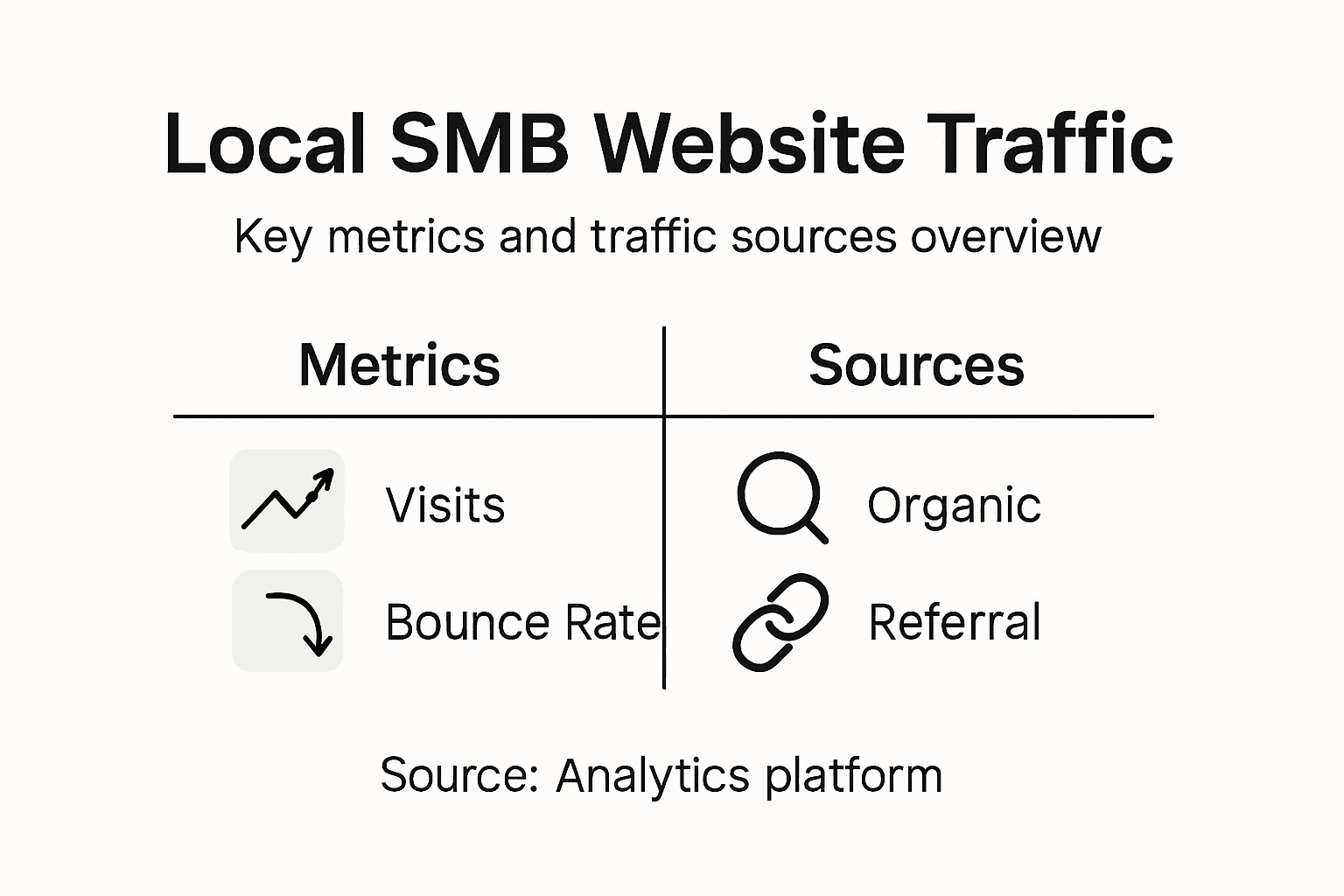
- Bounce Rate: Percentage of single-page visits
- Conversion Actions: Specific user interactions like form submissions
- Navigation Paths: How users move through your website
Understanding user behavior is like having a digital map of your customers’ online journey.
With content management system tracking, you can gain deeper insights into:
- Unique visitor counts
- Geographic distribution of users
- Device and browser types
- User engagement levels
Key monitoring techniques include:
This summary highlights how different visitor metrics inform website improvement strategies:
| Metric | What It Indicates | How Businesses Benefit |
|---|---|---|
| Page Views | Interest in content | Identify top-performing pages |
| Session Duration | Engagement depth | Spot engaging vs. weak pages |
| Bounce Rate | Quality of landing experience | Uncover user experience issues |
| Conversion Actions | Success of site goals | Gauge funnel and ROI effectiveness |
- Setting up custom dashboards
- Creating behavior flow reports
- Analyzing user interaction heatmaps
- Comparing metrics across different time periods
Pro tip: Use advanced segmentation to filter behavior data by demographics, device type, or traffic source for more nuanced insights.
Step 4: Measure Lead Generation Effectiveness
Successfully tracking and evaluating lead generation performance is crucial for small businesses looking to optimize their marketing strategies and maximize return on investment. By implementing systematic measurement techniques, you can understand which channels and tactics are truly driving meaningful business growth.
Lead scoring models help businesses prioritize and assess potential customer interactions more strategically. The key metrics to track include:
- Conversion Rates: Percentage of leads turning into customers
- Lead Quality Score: Assessment of potential customer value
- Cost per Lead: Total marketing expenses divided by number of leads
- Lead Source Performance: Effectiveness of different marketing channels
- Sales Cycle Length: Time from initial contact to final conversion
Measuring lead generation is about understanding the journey, not just counting numbers.
Marketing effectiveness tracking provides deeper insights into your lead generation strategies. Businesses should focus on:
- Analyzing conversion paths
- Identifying high-performing marketing channels
- Understanding customer interaction touchpoints
- Calculating precise return on marketing investment
Key measurement strategies include:
- Implementing advanced analytics tools
- Creating detailed lead tracking dashboards
- Establishing clear conversion definitions
- Regularly reviewing and adjusting metrics
Pro tip: Use machine learning algorithms to develop predictive lead scoring models that continuously improve your understanding of potential customer value.
Step 5: Optimize Marketing Efforts Based on Insights
Transforming website analytics into actionable marketing strategies is the key to driving growth for small businesses. By systematically analyzing your data, you can make informed decisions that significantly improve your marketing performance and return on investment.
Marketing analytics techniques enable businesses to move beyond basic reporting and develop sophisticated optimization strategies. The most critical approaches include:
- Descriptive Analytics: Understanding what has happened
- Predictive Analytics: Forecasting potential outcomes
- Prescriptive Analytics: Recommending specific actions
- Channel Performance Evaluation: Identifying most effective marketing sources
- Customer Journey Mapping: Tracking interaction touchpoints
Data-driven marketing transforms guesswork into strategic precision.
Web analytics reporting provides granular insights that help businesses refine their marketing approaches. Key optimization strategies involve:
- Reallocating budget to high-performing channels
- Personalizing content based on audience behavior
- Improving conversion paths
- Eliminating underperforming marketing tactics
Optimization action steps include:
- Conduct comprehensive data analysis
- Create targeted audience segments
- Develop hypothesis-driven marketing experiments
- Continuously monitor and adjust strategies
Pro tip: Implement A/B testing for marketing campaigns to systematically validate and improve your optimization strategies, ensuring data-backed decision making.
Unlock Your Local SMB’s Growth with Smarter Website Analytics
Tracking visitor behavior and understanding traffic sources are vital steps to improving your local small business. As the article explains, setting up precise website analytics tools and monitoring key metrics like visitor patterns and lead generation can feel overwhelming and time-consuming. You want clear insights without juggling multiple complicated software platforms or expensive agencies. That is where Nimblo.ai shines. Our all-in-one platform brings together AI-powered local SEO, conversion-optimized website design, automated lead generation, and streamlined CRM functions—all built specifically for Florida-based SMBs.
Imagine having everything you need in one place: fast setup, local expertise, automated follow-ups, and powerful analytics tailored to your unique needs. No more losing track of your marketing performance or wondering which traffic sources truly drive your business growth. You can focus on increasing leads and sales with confidence because Nimblo.ai simplifies your entire digital marketing and operations stack.
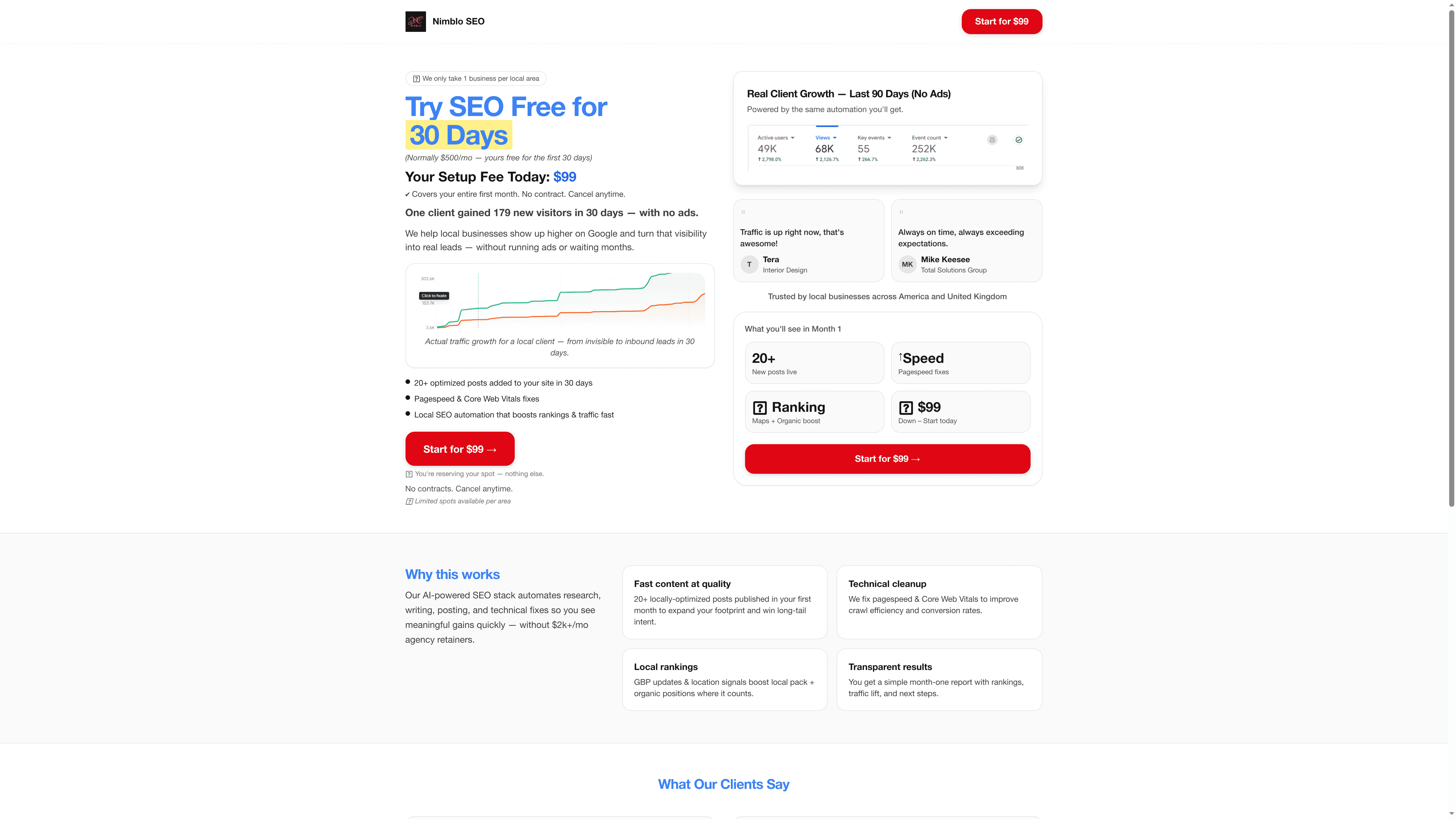
Ready to take control of your website traffic analysis and lead generation efforts? Discover how Nimblo.ai can deliver measurable results and help your business thrive in competitive local markets. Visit Nimblo.ai today to get started with a flat-rate solution that replaces costly tools and agencies. Make smarter marketing decisions now with personalized support and cutting-edge automation designed for your success.
Frequently Asked Questions
How can I set up website analytics for my local SMB?
To set up website analytics, create an account with an analytics platform, obtain your unique tracking code, and install it on all your website pages. Ensure that you configure the basic settings and monitor whether the tracking is functioning properly.
What are the key traffic sources I should analyze for my small business?
Key traffic sources include organic search, direct traffic, referral traffic, social media, and paid advertising. Review your analytics dashboard to understand the percentage of visitors coming from each source and focus on optimizing the most effective channels.
How do I track visitor behavior on my website?
You can track visitor behavior by monitoring metrics like page views, session duration, bounce rate, and conversions. Set up custom dashboards in your analytics tool to visualize these metrics and identify areas for improvement.
What metrics should I use to evaluate lead generation effectiveness?
To evaluate lead generation effectiveness, focus on metrics like conversion rates, lead quality scores, cost per lead, and performance by lead source. Regularly analyze these metrics to adjust your marketing strategies and enhance overall performance.
How can I optimize my marketing efforts based on website traffic analytics?
To optimize your marketing efforts, analyze your data to identify high-performing channels and segment your audience. Implement targeted marketing experiments and continuously monitor results to refine your strategies, aiming for notable improvement within a few months.