
Nearly 90 percent of american consumers search online before visiting a local business, making your digital presence more crucial than ever. For small businesses in Florida, appearing in those searches can be the deciding factor between steady growth and empty storefronts. Learning how to optimize your Google Business Profile opens the door to more local customers, higher visibility, and an edge over your competitors.
Table of Contents
- 1. Claim And Verify Your Google Business Profile
- 2. Complete All Business Information Accurately
- 3. Select The Right Business Categories
- 4. Add High-Quality Photos And Videos
- 5. Encourage And Respond To Customer Reviews
- 6. Post Regular Updates And Offers
- 7. Use Insights To Track Local Performance
Quick Summary
| Key Message | Explanation |
|---|---|
| 1. Claim and Verify Your Google Business Profile | Verification enhances your online visibility and protects your listing. Completing this step is essential for attracting local customers. |
| 2. Include Accurate Business Information | Keep business details like hours and services updated to avoid customer confusion and lost opportunities. Regular reviews improve credibility. |
| 3. Choose Specific Business Categories | Selecting precise categories helps potential customers find your services more easily, improving relevant search results. |
| 4. Upload High-Quality Visual Content | Use professional images and videos to create an engaging presence that captures potential customers’ attention effectively. |
| 5. Actively Manage Customer Reviews | Regularly respond to reviews, both positive and negative, to build trust and show commitment to customer satisfaction. |
1. Claim and Verify Your Google Business Profile
If you want your Florida small business to show up in local search results, claiming and verifying your Google Business Profile is your first critical step. This free tool allows you to control how your business appears across Google Search and Maps, giving you a direct channel to potential customers searching for services in your local area.
Verification is more than just a bureaucratic checkbox. It unlocks powerful features that can dramatically boost your online visibility. By claiming your profile, you gain the ability to manage your business information, respond to customer reviews, add photos, and share updates that appear directly in search results. Without verification, your business listing remains vulnerable to incorrect information or potential hijacking by competitors.
Why Verification Matters:
- Establishes business legitimacy
- Prevents unauthorized profile modifications
- Allows direct management of your online presence
- Enables customer interaction features
To get started, visit Google Business Profile setup guide and follow their step by step verification process. Most businesses can verify through a free postcard sent to their physical address, which arrives within 5 to 14 business days. Once received, you’ll enter the verification code online to complete the process.
Remember that an accurate, complete profile with consistent business name, address, phone number, and operating hours significantly improves your local search rankings. Take the time to fill out every available section and upload high quality photos that showcase your business. Your verified Google Business Profile is essentially your digital storefront in the online world.
2. Complete All Business Information Accurately
Accurate business information is the foundation of a strong online presence for Florida small businesses. Your Google Business Profile serves as a digital storefront that potential customers will use to find and evaluate your services before making contact.
As Miles Partnership explains, managing your profile involves meticulously updating essential details such as business hours, contact information, and services offered. Incomplete or outdated information can drive potential customers away and reduce your local search credibility.
Critical Information to Include:
- Precise business name
- Current physical address
- Accurate phone number
- Up to date business hours
- Detailed service descriptions
- High quality business images
- Accurate service area
Precision matters more than you might think. Customers rely on these details to determine whether they can reach you, when you are open, and what services you provide. One wrong digit in your phone number or an outdated address can mean lost business opportunities.
Take time to review your profile quarterly. Update seasonal hours, add new services, remove discontinued offerings, and refresh your images. Treat your Google Business Profile like a living document that reflects the current state of your business. By maintaining accuracy, you signal professionalism and reliability to potential customers searching for services in Florida.
3. Select the Right Business Categories
Choosing the correct business categories on your Google Business Profile is like placing strategic signposts that guide potential customers directly to your services. Think of categories as the digital equivalent of storefront signs that help people understand exactly what you do and how you can solve their problems.
Your primary category should precisely match your core business offering. This is not the time for generalization or broad descriptions. For example, if you run a landscaping business in Orlando, select “Landscaping Service” instead of something vague like “Outdoor Business.” The more specific and accurate your category, the better Google can match you with relevant local searches.
Strategic Category Selection Tips:
- Select your most important category first
- Choose categories that directly describe your primary service
- Avoid generic or overly broad category labels
- Consider secondary categories that complement your main offering
- Update categories as your business evolves
Many Florida small businesses make the mistake of selecting categories that sound impressive but do not accurately represent their services. Google allows you to choose one primary category and several secondary categories. Use this to your advantage by creating a comprehensive yet precise representation of your business.
For instance, a wedding photographer in Miami might select “Wedding Photographer” as the primary category and then add secondary categories like “Portrait Photographer” or “Event Photography Service.” This approach helps potential clients find you through multiple relevant search queries and improves your local search visibility.
4. Add High-Quality Photos and Videos
Visual content is the secret weapon for transforming your Google Business Profile from a basic listing to an engaging digital storefront. As Visit Fairfield County highlights, high-quality photos and videos can dramatically attract more customers by providing a vivid understanding of your business offerings.
Potential customers want more than text descriptions. They crave visual insights that help them imagine experiencing your services. A professional photo of your workspace, team, or products creates an immediate connection that words alone cannot achieve.
Essential Visual Content Categories:
- Professional storefront exterior shots
- Interior workspace photographs
- Team member portraits
- Product or service demonstration videos
- Customer interaction scenes
- Before and after project images
Google recommends uploading a minimum of 5 to 10 high resolution images that showcase different aspects of your business. Ensure your photos are well lit, clear, and professionally composed. Avoid stock images or low quality smartphone snapshots. Each image should tell a story about your brand and provide potential customers a genuine glimpse into what makes your Florida small business unique.
Remember that visual content is not a one time task. Miles Partnership suggests regularly updating your visual content to keep your profile fresh and appealing. Think of your Google Business Profile as a living portfolio that evolves with your business.
5. Encourage and Respond to Customer Reviews
Customer reviews are the digital word of mouth that can make or break your small business reputation in Florida. Visit Fairfield County emphasizes that actively encouraging customer feedback demonstrates genuine engagement and commitment to customer satisfaction.
Think of reviews as more than just star ratings. They are conversations that potential customers use to evaluate your business. A profile with thoughtful responses shows transparency and professionalism. Miles Partnership notes that engaging with reviews builds trust and can significantly influence future customer decisions.
Effective Review Management Strategies:
- Respond to all reviews within 48 hours
- Thank positive reviewers for specific details
- Address negative reviews professionally
- Invite satisfied customers to share their experience
- Never argue or become defensive
When responding to reviews, maintain a consistent tone that reflects your brand personality. For positive reviews, acknowledge specific aspects of service the customer appreciated. For negative reviews, apologize sincerely, offer to resolve the issue privately, and demonstrate your commitment to improvement.
Consider creating a simple system for requesting reviews. This might involve sending a follow up email after service, adding a review request link to receipts, or training staff to kindly ask satisfied customers to share their experience online. Remember that most happy customers are willing to leave a review but often need a gentle reminder.
6. Post Regular Updates and Offers
Your Google Business Profile is more than a static listing. It is a dynamic platform to communicate directly with potential customers. Miles Partnership highlights that the Local Posts feature allows businesses to share updates, promotions, and events that keep your audience informed and engaged.
Think of these posts as your digital window display. Just like a retail storefront changes its showcase to attract customers, your Google Business Profile should reflect current offerings, seasonal promotions, and business highlights. Visit Fairfield County emphasizes that regular updates can drive customer engagement and encourage repeat business.
Strategic Posting Guidelines:
- Share weekly or biweekly updates
- Highlight seasonal promotions
- Announce new services or products
- Feature customer success stories
- Include clear call to action buttons
- Use high quality relevant images
Posts typically remain visible for seven days, so create content that feels timely and urgent. A restaurant might showcase a weekend special, a landscaping company could highlight seasonal services, or a fitness studio could promote a new class package. Your goal is to give potential customers a reason to choose your business right now.
Consider creating a content calendar to plan posts in advance. This approach ensures consistent communication and helps you showcase the most compelling aspects of your Florida small business. Remember that authenticity matters more than perfection your customers want to see the real story behind your brand.
7. Use Insights to Track Local Performance
Your Google Business Profile comes with a powerful analytics dashboard that reveals exactly how customers discover and interact with your business online. Miles Partnership emphasizes that these insights provide critical data about customer behavior and search performance.
Think of these insights like a digital report card for your local marketing efforts. The dashboard tracks key metrics such as search queries, customer actions, photo views, and website clicks. Visit Fairfield County notes that this information is invaluable for making informed business decisions and understanding your local market presence.
Key Performance Metrics to Monitor:
- Number of profile views
- Search query keywords
- Customer action types
- Website and direction link clicks
- Photo view counts
- Review engagement rates
Pay special attention to the search queries report. This shows exactly what words potential customers are using to find businesses like yours. If you notice recurring keywords that do not currently appear in your profile, consider updating your description and categories to match.
Below is a comprehensive table summarizing the main strategies for optimizing your Google Business Profile, specifically for Florida small businesses, as discussed in the article.
| Strategy | Implementation | Expected Results |
|---|---|---|
| Claim and Verify Profile | Claim your profile through Google’s setup guide and verify via a postcard. Keep business details consistent. | Enhanced control over your online presence and protection against incorrect info. |
| Complete Business Information | Update business hours, contact, address, and services. Review quarterly for accuracy. | Improved local search rankings and customer trust. |
| Select Right Categories | Choose specific primary and secondary categories that reflect your services. | Better match in relevant local searches. |
| Add High-Quality Photos | Upload 5-10 professional photos showcasing your business. | Attract more customers with engaging visual content. |
| Manage Customer Reviews | Respond to all reviews within 48 hours and request reviews from satisfied customers. | Increased customer trust and engagement. |
| Post Regular Updates | Share updates, promotions, and events regularly using local posts. | Enhanced customer engagement and repeat business. |
| Use Insights for Performance Tracking | Monitor profile views, search queries, and action types using Google’s dashboard. | Informed business decisions and improved search performance. |
Unlock the Full Potential of Your Google Business Profile with Nimblo.ai
Managing a Google Business Profile effectively can feel overwhelming for many Florida small business owners. You want to ensure your profile is fully claimed, verified, and optimized with accurate information, the right categories, stunning photos, and customer reviews handled promptly. These are essential steps that directly impact your local search visibility and customer trust. If you find yourself struggling to keep up with all these moving parts or wasting time juggling multiple tools to boost your local SEO and online reputation, it is time to simplify and amplify your efforts with the right platform.
Nimblo.ai offers an all-in-one solution designed specifically for Florida SMBs, combining AI-powered local SEO, Google Business Profile management, automated follow-ups, and conversion-focused website design. From seamless profile updates that match the best practices outlined by experts to automated review management and posting fresh updates, Nimblo.ai lets you take control without the headache. Enjoy high-speed website performance and automated lead generation all in one affordable package at $500 a month with no contracts. Your verified Google Business Profile can become your strongest digital storefront with our local market expertise and easy-to-use tools.
Start growing your local presence today with Nimblo.ai and never miss another lead or update again. Explore how our platform helps you stay ahead on local rankings and customer engagement at Nimblo.ai all-in-one marketing platform.
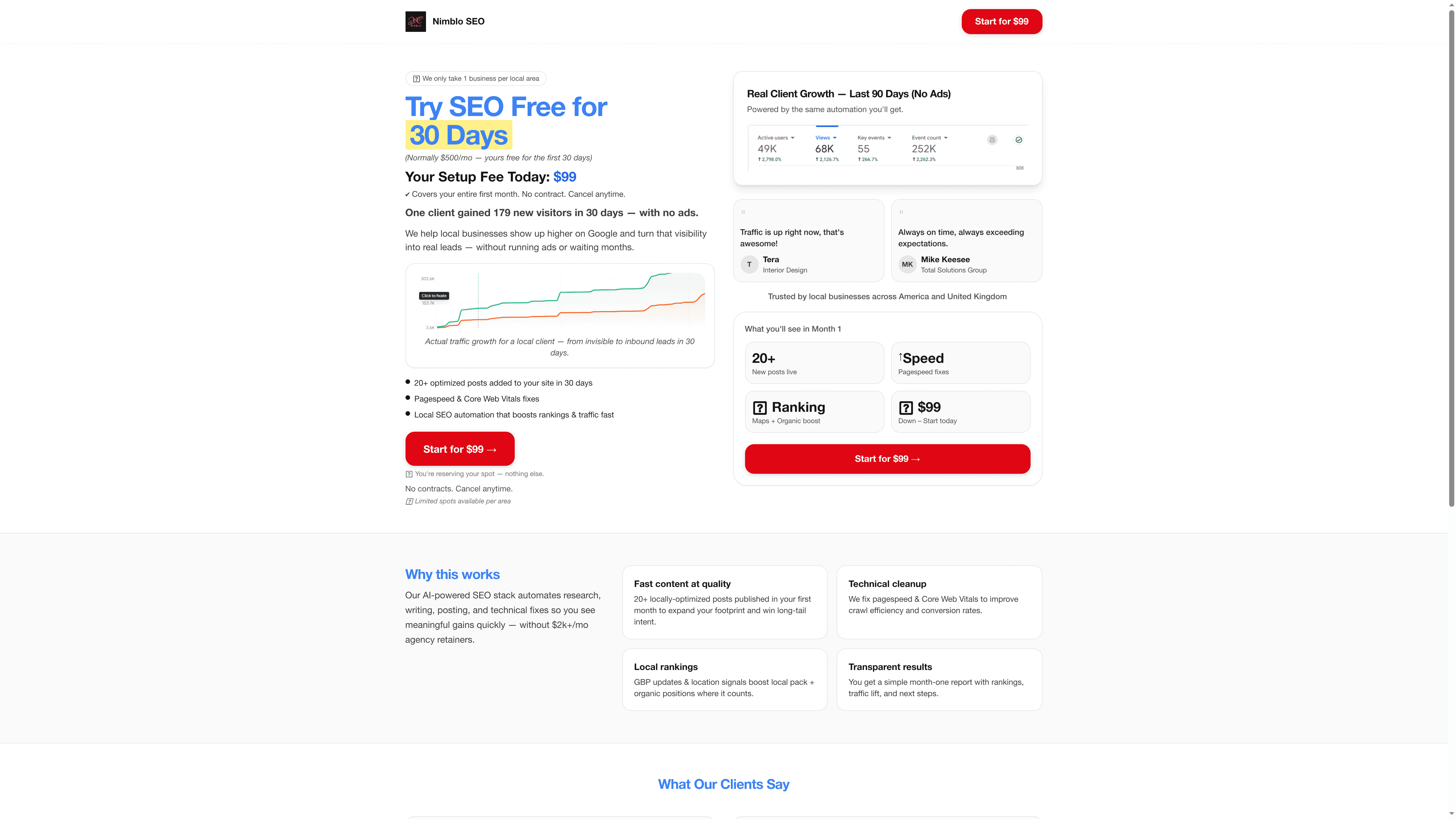
Ready to turn your Google Business Profile into a lead magnet for your Florida small business Try Nimblo.ai now for rapid setup and expert local SEO work. Visit Nimblo.ai all-in-one marketing platform and take the first step toward smarter digital marketing in your city.
Frequently Asked Questions
How do I claim and verify my Google Business Profile?
To claim and verify your Google Business Profile, visit the setup guide and follow the step-by-step process. Typically, you’ll receive a postcard with a verification code that you can enter online, completing the verification within 5 to 14 business days.
What information should I include in my Google Business Profile?
You should include accurate business details such as your business name, address, phone number, hours of operation, and a description of your services. Regularly review and update your profile to ensure all information is current and precise, ideally at least once every quarter.
How do I choose the right business categories for my profile?
Select your primary business category to accurately reflect your main service offering, avoiding broad descriptions. For instance, if you operate a landscaping service, choose “Landscaping Service” as your primary category, and add complementary categories to improve visibility in search results.
What types of photos should I include in my Google Business Profile?
Include high-quality photos that showcase various aspects of your business, such as your storefront, team members, and product demonstrations. Aim to upload at least 5 to 10 professional images to engage potential customers and maintain a fresh profile.
How can I effectively manage customer reviews on my profile?
Actively encourage customers to leave reviews and promptly respond to all feedback, whether positive or negative. Aim to reply to reviews within 48 hours to demonstrate engagement and professionalism; thanking positive reviewers can help strengthen your brand’s reputation.
How can I track my Google Business Profile’s performance?
Utilize the analytics dashboard to monitor metrics such as profile views, search queries, and customer actions. Regularly check these insights to understand your local market performance and adjust your profile accordingly to enhance visibility, ideally reviewing them monthly.