
Over half of American consumers rely on Google search to discover local businesses, yet many profiles are missing essential information. Inaccurate or incomplete listings can cost you real customers and undermine your reputation before anyone even visits your storefront. This guide reveals practical strategies to make your business stand out in local search, helping you attract more attention from American shoppers and turn every online interaction into an opportunity.
Table of Contents
- 1. Business Information Optimization for Better Local Search
- 2. Adding Photos and Videos to Enhance Customer Trust
- 3. Collecting and Responding to Customer Reviews
- 4. Using Google Posts to Update Offers and Events
- 5. Leveraging Messaging to Connect With Customers Instantly
- 6. Displaying Services and Products for Easy Discovery
- 7. Analyzing Insights to Improve Local Marketing Strategies
Quick Summary
| Key Insight | Explanation |
|---|---|
| 1. Optimize Business Information | Ensure your Google Business Profile has accurate and complete details to improve local search visibility and attract customers. |
| 2. Utilize High-Quality Visual Content | Use professional images and videos to create a strong first impression and showcase your brand effectively. |
| 3. Actively Manage Customer Reviews | Encourage reviews and respond promptly to feedback to enhance your business reputation and visibility in search results. |
| 4. Engage with Google Posts | Regularly update your profile with relevant posts to inform customers of promotions and events, keeping your business visible and active. |
| 5. Leverage Customer Insights | Analyze engagement data from your profile to tailor marketing strategies and improve customer outreach based on real behavior patterns. |
1. Business Information Optimization for Better Local Search
Your Google Business Profile serves as your digital storefront in local search results, making accurate business information the foundation of local visibility. By strategically optimizing your profile, you can dramatically improve how potential customers find and perceive your business online.
Comprehensive business information helps search engines understand and recommend your business to local customers. This means providing crystal clear details about your company’s name, address, phone number, business hours, and service areas. Accuracy matters critically here – even small discrepancies can confuse search algorithms and potential customers.
When setting up your profile, focus on complete and consistent information. Start by verifying your business name matches exactly how it appears on official documents. Include your precise physical address, a local phone number, and comprehensive business hours. Google rewards profiles that offer thorough business information with better search rankings.
Key Optimization Strategies:
- Verify your business location
- Use a consistent business name across all platforms
- Select the most accurate primary business category
- Add high quality photos of your business
- Include detailed service descriptions
Remember that your Google Business Profile is often the first impression potential customers will have of your business. Treat it like a digital welcome mat that not only provides essential information but also showcases your professionalism and attention to detail.
Pro tip: Update your profile regularly to reflect any changes in services, hours, or contact information. Stale or outdated profiles can signal to both customers and search engines that your business might be inactive or unreliable.
2. Adding Photos and Videos to Enhance Customer Trust
Visual content is the secret weapon of successful Google Business Profiles that transform casual browsers into committed customers. Your profile images and videos serve as a powerful first impression that can instantly communicate your brand personality and professional standards.
Customers are visual creatures who make quick decisions based on what they see. High quality visual content acts like a digital handshake, offering potential clients an authentic glimpse into your business environment and services before they even make contact.
Strategic Visual Content Guidelines:
- Use professional images that showcase your workspace
- Include action shots of your team working
- Capture high resolution product or service images
- Create short videos demonstrating your capabilities
- Ensure images are well lit and professionally composed
When uploading visual content, focus on authenticity and quality. Blurry smartphone pictures or stock images scream unprofessional. Instead, invest time in creating genuine visual narratives that represent your brand accurately. Your images should tell a story about who you are and what makes your business unique.
Technical considerations matter too. Optimize image file sizes to ensure quick loading times while maintaining visual clarity. Most platforms recommend images around 2MB with minimum resolution of 720 pixels wide. Well crafted visual content can significantly boost user engagement and search visibility.
Pro tip: Rotate your visual content periodically. Regular updates signal to both customers and search algorithms that your business is active and dynamic. Think of your Google Business Profile as a living digital portfolio that evolves with your brand.
3. Collecting and Responding to Customer Reviews
Customer reviews are the digital word of mouth that can make or break your online reputation. They represent a powerful form of social proof that directly influences potential customers decision making process and your business visibility in local search results.
The impact of customer reviews extends far beyond simple ratings. They serve as authentic testimonials that provide insights into your business quality service and customer experience. Google algorithms prioritize businesses with consistent positive reviews giving them higher visibility in local search rankings.
Strategic Review Management Tactics:
- Actively encourage satisfied customers to leave reviews
- Respond professionally to both positive and negative feedback
- Set up a systematic process for review monitoring
- Thank customers for taking time to share their experience
- Address negative reviews constructively and publicly
To effectively collect reviews, create simple mechanisms for customers to share their experiences. This might include sending follow up emails after service completion sending text message review links or creating quick review cards with direct QR codes to your Google Business Profile.
When responding to reviews remember that your public response is visible to everyone. For positive reviews express genuine appreciation. For negative reviews demonstrate professionalism by acknowledging concerns and offering to resolve issues offline. This approach shows potential customers that you value feedback and are committed to continuous improvement.
Pro tip: Develop a review response template that sounds authentic and personalized. Aim to respond within 24 to 48 hours to show you are attentive and care about customer experiences. Consistency in review management can transform customer feedback into a powerful marketing tool.
4. Using Google Posts to Update Offers and Events
Google Posts represent a dynamic feature that transforms your Google Business Profile from a static directory listing into an interactive marketing platform. These posts provide a direct channel to showcase your latest offerings, upcoming events, and special promotions right where potential customers are searching.
Regular posting can significantly boost your local business visibility by signaling ongoing business activity and engagement to Google’s search algorithms. Think of these posts like mini advertisements that appear directly in search results and map listings.
Strategic Google Posts Approach:
- Create event announcements with clear details
- Share limited time promotional offers
- Highlight new product or service launches
- Include high quality visual content
- Add clear call to action buttons
The key is consistency and relevance. Your posts should provide genuine value to potential customers. Whether you are announcing a weekend sale, sharing a new menu item, or promoting an upcoming workshop, each post should be crafted to capture attention and drive action.
When creating Google Posts, focus on crisp visual content and concise messaging. Most successful posts include an eye catching image, compelling headline, and specific details about the offer or event. Aim to refresh your posts every week to keep your profile looking active and current.
Pro tip: Google Posts expire after seven days, so develop a content calendar to ensure you are consistently updating your profile. This approach not only keeps your listing fresh but also increases the likelihood of catching potential customer interest at the right moment.
5. Leveraging Messaging to Connect With Customers Instantly
Instant messaging through your Google Business Profile transforms how small businesses interact with potential customers. This feature provides an immediate communication channel that can turn curious browsers into committed clients within moments.
Direct customer communication can dramatically boost your sales potential by offering real time engagement and demonstrating responsive customer service. Customers today expect quick answers and appreciate businesses that make communication effortless.
Messaging Strategy Best Practices:
- Enable messaging in your Google Business Profile settings
- Set up quick response templates
- Respond within one business hour when possible
- Include clear contact information
- Train team members on professional messaging etiquette
Successful messaging requires a strategic approach. Create templates that sound friendly and professional while addressing common customer questions. Your response time and tone can significantly influence a potential customer decision to choose your business over competitors.
Consider setting up automatic replies for after hours or busy periods. These messages should thank the customer for reaching out, provide estimated response times, and share alternative contact methods. This approach shows professionalism and keeps potential customers informed even when you cannot respond immediately.
Pro tip: Monitor your messaging platform consistently. Quick and helpful responses can turn an initial inquiry into a loyal customer relationship. Remember that each message is an opportunity to showcase your business commitment to exceptional customer service.
6. Displaying Services and Products for Easy Discovery
Your Google Business Profile serves as a digital storefront that can transform how potential customers find and understand your offerings. By strategically showcasing your services and products, you create a transparent and compelling snapshot of your business capabilities.
Comprehensive product and service listings enhance your online visibility and help customers make informed decisions before they even contact you. Think of this feature as your 24/7 digital sales representative.
Strategic Product and Service Presentation:
- Use clear descriptive titles for each offering
- Include specific pricing when possible
- Add high quality images of products
- Group related services logically
- Write concise compelling descriptions
- Update listings regularly
Successful product listings require more than just basic information. Craft descriptions that not only explain what you offer but also highlight unique value propositions. Use language that speaks directly to customer needs and solves potential problems.
Consider your product descriptions as mini sales pitches. Each entry should quickly communicate what makes your service or product special. Use keywords naturally and focus on benefits rather than just features. Potential customers want to know how you can solve their specific challenges.
Pro tip: Regularly audit and refresh your product and service listings. Remove outdated offerings and add new services promptly. An up to date profile signals to both customers and search algorithms that your business is active and evolving.
7. Analyzing Insights to Improve Local Marketing Strategies
Your Google Business Profile insights represent a powerful analytics dashboard that transforms raw data into actionable marketing intelligence. These metrics provide a window into how potential customers discover and interact with your business online.
Customer interaction data can revolutionize your local marketing approach by revealing precise patterns of customer behavior and engagement. Understanding these insights allows you to make strategic decisions that directly impact your business growth.
Key Insights to Track:
- Search queries that lead to your profile
- Number of profile views
- Customer actions like website clicks
- Direction requests
- Phone call volumes
- Photo view statistics
- Review interaction rates
Successful insights analysis requires a systematic approach. Look beyond surface level numbers and seek underlying trends. For instance, if most search queries come from a specific neighborhood, you might tailor your local marketing efforts to that geographic area.
Consider creating a monthly review process where you examine these insights. Compare metrics over time to understand seasonal variations and track the effectiveness of your marketing strategies. Pay special attention to which actions customers take most frequently and use that information to refine your profile and marketing messages.
Pro tip: Treat these insights as a conversation with your potential customers. Each metric tells a story about customer interest, preferences, and behavior. By listening carefully to these digital signals, you can continuously optimize your local marketing approach.
Below is a comprehensive table summarizing the key strategies and actions for optimizing a Google Business Profile as discussed in the article.
| Strategy | Implementation | Expected Results |
|---|---|---|
| Business Information Optimization | Verify business name, address, phone number; ensure consistency; choose accurate business category. | Improved search rankings and local visibility. |
| Adding Photos and Videos | Use professional images; include action shots; maintain high resolution and quality. | Enhanced customer trust and engagement. |
| Managing Customer Reviews | Encourage reviews; respond to feedback professionally; address negative reviews openly. | Stronger online reputation and increased search visibility. |
| Leveraging Google Posts | Regularly update posts with offers/events; use high-quality imagery and CTAs. | Increased customer engagement and awareness for promotions. |
| Utilizing Messaging | Enable messaging; set quick response templates; train team on professional etiquette. | Enhanced customer communication and improved conversion rates. |
| Displaying Products and Services | Use clear titles; include pricing; update listings frequently. | Increased customer interest and sales conversions. |
| Analyzing Insights | Track search queries, profile views, and customer actions monthly. | Data-driven marketing strategies and improved service offerings. |
Supercharge Your Google Business Profile with Nimblo.ai
Managing a Google Business Profile effectively can feel overwhelming, especially when you are juggling business information accuracy, customer reviews, engaging posts, and instant messaging all at once. This article highlights key challenges SMBs face like keeping business info consistent, collecting and responding to reviews, and using Google Posts to stay relevant with customers. If you want to transform your profile into a powerful local marketing engine but lack the time or tools, Nimblo.ai is built for you.
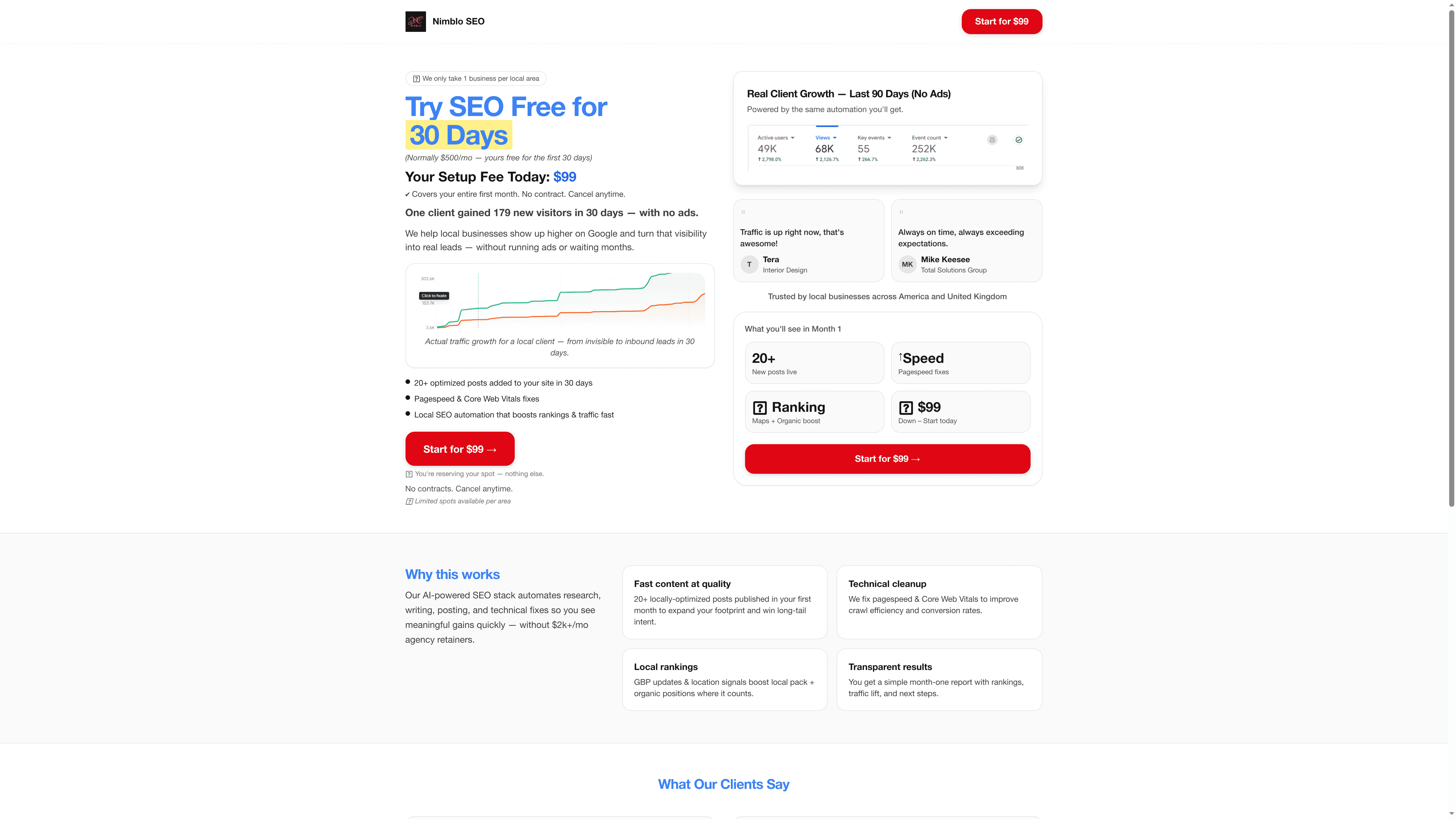
Take control now with Nimblo.ai, a comprehensive SaaS platform designed specifically for Florida SMBs to simplify your digital marketing. Benefit from AI-powered local SEO, automated Google Business Profile management, and seamless marketing automation all in one place. Start optimizing your online presence and watch your leads grow without the headaches of managing multiple tools. Get started today and see why so many local businesses trust Nimblo.ai for rapid local SEO success. Don’t let your competition beat you in local search—act now and elevate your business visibility.
Frequently Asked Questions
What are the key features of a Google Business Profile for small businesses?
The key features include business information optimization, photo and video uploads, customer reviews management, Google Posts, messaging capabilities, and showcasing services and products. To leverage these features, ensure your profile is complete and regularly updated to enhance your online visibility.
How can I optimize my Google Business Profile for better local search visibility?
To optimize your profile, make sure your business name, address, phone number, and hours are accurate and consistent across all platforms. Focus on providing comprehensive information and adding high-quality images to attract potential customers immediately.
How do I effectively collect and respond to customer reviews on my profile?
Encourage happy customers to leave reviews and set up a systematic process to monitor and respond to them. Always reply to reviews, thanking customers for positive feedback and addressing any concerns raised in negative reviews professionally and constructively.
What types of content should I include in Google Posts to engage my audience?
Include event announcements, special promotions, and new product reveals in your Google Posts. Make sure to use clear visuals and compelling calls to action to attract potential customers and keep your posts relevant and informative.
How can I use messaging features in my Google Business Profile to connect with customers?
Enable messaging in your profile and create quick response templates to facilitate communication. Aim to respond to customer inquiries within one business hour to demonstrate that you value their time and input, enhancing the likelihood of converting inquiries into sales.
How can I analyze insights from my Google Business Profile to improve my local marketing strategies?
Examine metrics such as profile views, actions taken by customers, and search queries that lead to your profile. Establish a monthly review routine to track these insights and adjust your marketing strategies accordingly, focusing on the areas with the most customer engagement.