
Running a Florida service business means juggling customer calls, managing reviews, and trying to stay visible online. Manual marketing drains hours that could go toward growing your business. Marketing automation changes that by handling repetitive tasks automatically, boosting your local SEO, and capturing more leads without constant oversight. This guide walks you through practical steps tailored specifically for Florida SMBs ready to streamline their marketing and see measurable results.
Table of Contents
- Preparing Your Business For Marketing Automation
- Step-By-Step Execution Of Local Marketing Automation
- Common Mistakes And How To Avoid Them In Local Marketing Automation
- Measuring Results And Optimizing Your Local Marketing Automation
- How Nimblo Helps Florida SMBs Automate Local Marketing Successfully
- Frequently Asked Questions
Key takeaways
| Point | Details |
|---|---|
| Automation boosts efficiency | Marketing automation handles repetitive tasks, freeing time for strategic growth activities |
| Local SEO integration matters | Automated Google Business Profile updates and review requests improve local search rankings |
| Clear goals drive success | Defining specific lead generation and SEO objectives ensures automation delivers measurable ROI |
| Common mistakes are avoidable | Overcomplicating workflows and skipping mobile optimization delay results but are easily prevented |
| Continuous optimization required | Regular monitoring and A/B testing refine campaigns and maximize marketing performance |
Preparing your business for marketing automation
Before launching any automation, you need clarity on what you want to achieve. Are you trying to generate more qualified leads from Tampa neighborhoods? Improve your Fort Lauderdale search rankings? Reduce time spent on follow-up emails? Write down specific, measurable goals. A vague objective like “get more customers” won’t guide your automation setup effectively.
Next, audit your current marketing channels. List everywhere you interact with prospects: website forms, phone calls, social media, email newsletters, text messages. Identify the biggest time drains and bottlenecks. Maybe you spend two hours daily responding to the same questions, or leads slip through because follow-ups happen inconsistently. These pain points show you exactly where automation delivers the most value.
Choosing the right tools makes or breaks your automation success. Integrated, affordable automation tools maximize efficiency by connecting your CRM, email platform, SMS system, and social media in one place. Avoid piecing together five different services that don’t communicate. Look for platforms built for local businesses with features like Google Business Profile management, automated review requests, and location-based targeting.
Plan your integrations carefully. Your automation platform should connect seamlessly to your existing website forms, CRM database, email service, and SMS provider. Test these connections before going live. A broken integration means lost leads and wasted effort.
Finally, prepare your team. Even simple automation requires basic training. Walk staff through new workflows, explain how leads will be captured and nurtured, and clarify who handles what tasks. Set up a shared document outlining the automation process so everyone stays aligned.
Pro Tip: Start with one or two high-impact automations rather than trying to automate everything at once. Master lead capture and follow-up first, then expand to review requests and social posting.
Step-by-step execution of local marketing automation
Implementing automation follows a logical sequence. Begin by mapping your customer journey into clear stages: prospecting, nurturing, and conversion. Prospecting captures initial interest through website forms, chat widgets, or phone calls. Nurturing builds trust with automated emails, educational content, and timely follow-ups. Conversion happens when prospects book consultations or make purchases. A well-structured marketing automation workflow guides leads smoothly through each stage.
Step 1: Set up automated lead capture
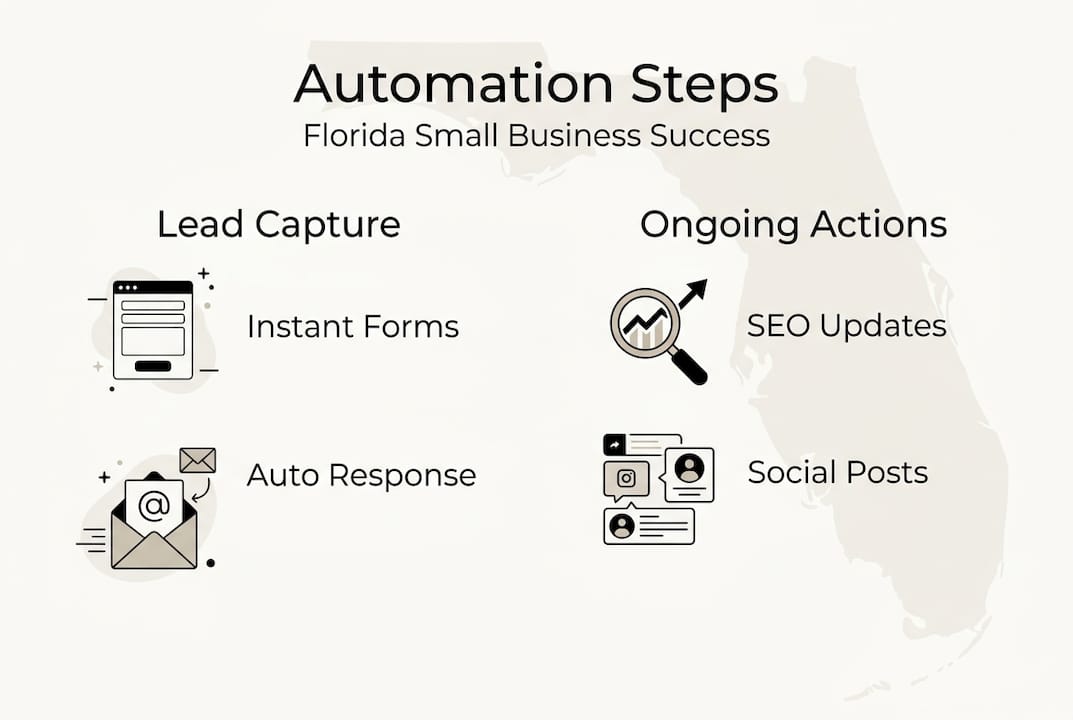
Install forms on your website that trigger instant responses. When someone requests a quote, they should receive an immediate confirmation email thanking them and setting expectations for next steps. Configure your CRM to log every new lead automatically with their contact details, service interest, and source.

Step 2: Automate local SEO maintenance
Schedule regular updates to your Google Business Profile. Post weekly updates about services, share customer photos, and respond to reviews within 24 hours using templated responses that you customize slightly. Automate review request emails to go out three days after service completion when satisfaction is highest.
Step 3: Build segmented nurture sequences
Group leads by service interest, location, and behavior. Someone who downloaded your Miami roofing guide needs different follow-ups than someone who requested a Jacksonville HVAC quote. Create automated email sequences for each segment. Send educational content first, then case studies, finally special offers. Space emails 3 to 5 days apart to stay top of mind without overwhelming.
Step 4: Implement SMS follow-ups
Text messages get 98% open rates compared to 20% for emails. Send appointment reminders, service completion follow-ups, and time-sensitive promotions via SMS. Keep messages brief and always include an opt-out option.
Step 5: Schedule consistent social media
Batch-create a month of social media posts highlighting your services, customer wins, and local involvement. Use automation tools to publish them at optimal times when your Florida audience is most active, typically mornings and evenings.
| Automation Stage | Key Actions | Timeline |
|---|---|---|
| Lead Capture | Install forms, configure instant responses | Week 1 |
| Local SEO | Set up Google Business Profile automation, review requests | Week 2 |
| Email Nurture | Create segmented sequences, test deliverability | Week 3 |
| SMS & Social | Configure text campaigns, schedule social posts | Week 4 |
Pro Tip: Test every automation with your own contact information before launching. Catch broken links, typos, or timing issues before prospects see them.
Common mistakes and how to avoid them in local marketing automation
Many Florida SMBs rush into automation without defining success metrics. You need specific numbers: increase monthly leads by 30%, improve response time to under 5 minutes, boost Google reviews from 15 to 50. Without clear targets, you can’t tell if automation is working. Set benchmarks before launch and track progress weekly.
Overcomplicating workflows kills momentum. A new user doesn’t need seven emails in their first week. Start simple: confirmation, educational piece, offer. Test that sequence for a month before adding complexity. Avoiding common mistakes accelerates results by keeping your system manageable and effective.
Ignoring mobile optimization is a critical error. Over 60% of local searches happen on phones. If your automated emails look broken on mobile or your forms don’t work on small screens, you’re losing leads. Test every automated message on multiple devices before deploying.
Failing to personalize communications makes automation feel robotic. Use merge tags to include names, reference specific services they inquired about, and mention their city. A Tampa prospect should see Tampa-specific content, not generic Florida messaging. Segment your lists and tailor messages accordingly.
Another frequent mistake is setting up automation and forgetting it. Markets change, competitors adjust, and customer preferences shift. Review your automation performance monthly. Check open rates, click rates, and conversion rates. If an email sequence shows 5% opens, the subject lines need work. If nobody clicks your call-to-action, the offer isn’t compelling.
“The biggest automation mistake I see is businesses creating complex systems they don’t understand and can’t maintain. Simple, tested workflows outperform elaborate setups every time.”
Pro Tip: Keep a swipe file of your best-performing emails and texts. When creating new automations, reference what already works rather than starting from scratch.
Measuring results and optimizing your local marketing automation
Tracking the right metrics tells you whether automation is worth the investment. Start with lead volume. Count new leads per week before and after implementing automation. A properly configured system should increase volume by at least 20% within 60 days.
Monitor conversion rates at each stage. What percentage of captured leads book consultations? How many consultations turn into customers? If 100 people fill out forms but only 5 book appointments, your nurture sequence needs strengthening. Add more trust-building content, testimonials, or limited-time incentives.
Local search rankings directly impact lead generation. Track your position for key terms like “Miami plumber” or “Tampa HVAC repair” monthly. Automated Google Business Profile updates and consistent review generation should improve rankings over time. Use Google Search Console to monitor impressions and clicks from local searches.
Compare manual versus automated results using a simple dashboard. Before automation, you might have spent 10 hours weekly on follow-ups and generated 15 leads. After automation, you spend 2 hours managing the system and generate 25 leads. That’s a 67% increase in leads with 80% less time investment. Tracking performance metrics helps you refine campaigns and prove ROI to stakeholders.
Regularly audit your workflows to find bottlenecks. Maybe leads wait 24 hours for the first follow-up when instant response would convert better. Perhaps your email sequence stops after three messages when prospects need five touches to decide. Review each automation monthly and identify weak points.
Implement A/B testing for critical elements. Send half your leads version A of a welcome email and half version B. Test subject lines, call-to-action buttons, and message length. Run tests for at least two weeks to gather meaningful data, then adopt the winner permanently.
Adjust automation settings based on insights. If Friday afternoon emails get 10% opens but Tuesday morning emails get 35%, shift your send times. If Orlando leads convert faster than Jacksonville leads, allocate more budget to Orlando targeting. Let data guide your optimization decisions.
| Metric | Target | Monitoring Frequency |
|---|---|---|
| Lead Volume | 20-30% increase | Weekly |
| Conversion Rate | 15-25% of leads to customers | Monthly |
| Local Search Ranking | Top 3 for primary keywords | Monthly |
| Email Open Rate | Above 25% | Weekly |
| Response Time | Under 5 minutes | Daily |
Pro Tip: Set up automated reports that email you key metrics every Monday morning. Consistent visibility keeps optimization top of mind and prevents problems from lingering unnoticed.
How Nimblo helps Florida SMBs automate local marketing successfully
Setting up effective marketing automation takes time and technical knowledge that many Florida service businesses lack. Nimblo simplifies the entire process with an affordable, all-in-one platform designed specifically for local SMBs. You get integrated CRM, email marketing, SMS campaigns, Google Business Profile management, and automated review requests in a single system.
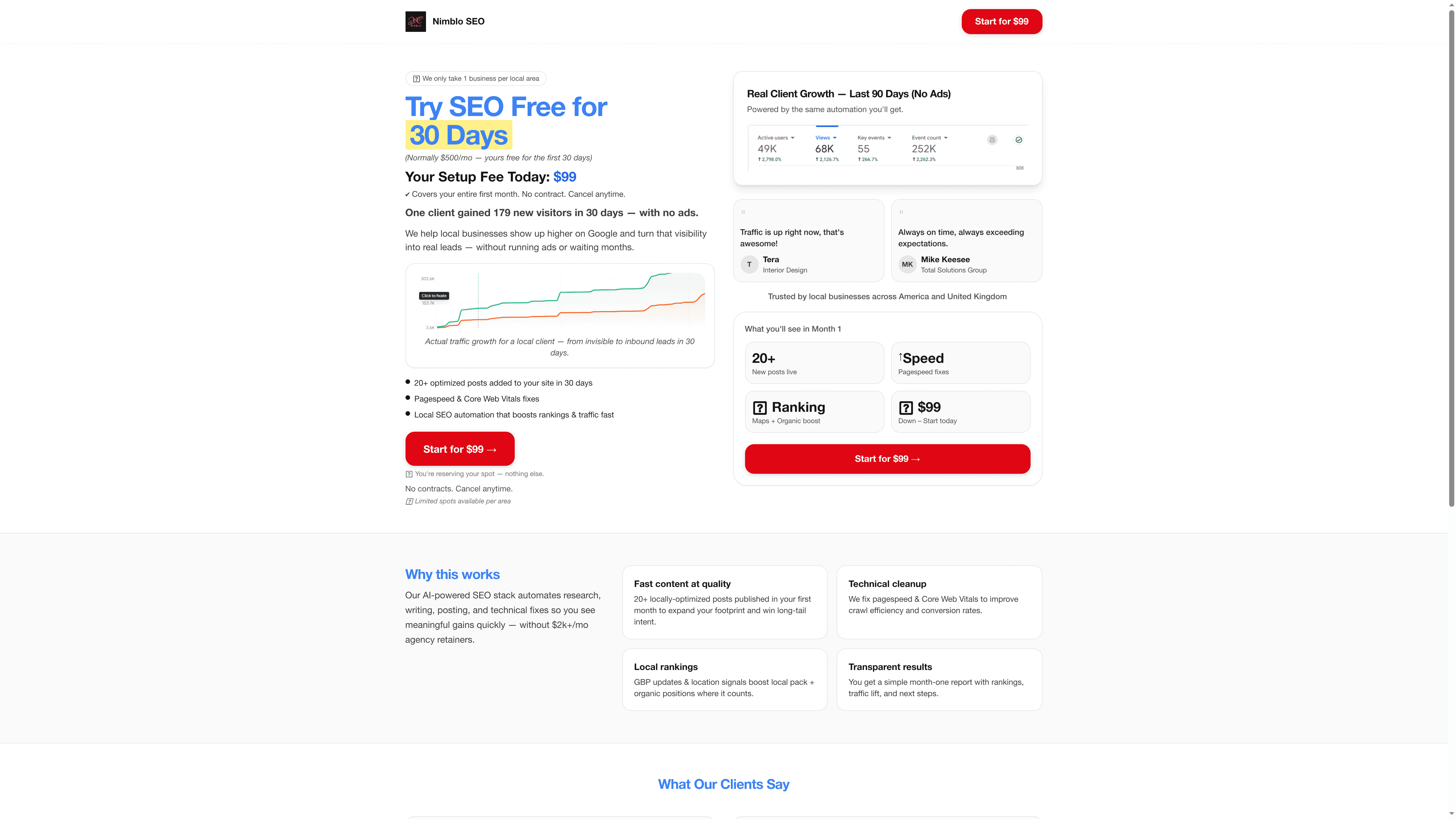
The platform handles local SEO automatically, updating your business listings, optimizing schema markup, and tracking rankings across Florida cities. Lead capture forms connect directly to nurture sequences that you customize once and run continuously. Expert support helps you design workflows that match your specific business model and goals. Instead of piecing together multiple tools and hoping they work together, Nimblo provides everything you need to automate your marketing and focus on serving customers.
Frequently asked questions
What is local marketing automation?
Local marketing automation uses software to handle repetitive marketing tasks for businesses serving specific geographic areas. It automatically captures leads from your website, sends personalized follow-up emails and texts, requests customer reviews, updates your Google Business Profile, and schedules social media posts. This lets Florida SMBs maintain consistent marketing without manual effort.
How much does marketing automation cost for SMBs?
Marketing automation for small businesses typically ranges from $200 to $800 monthly depending on features and contact volume. Basic platforms start around $200 for email automation and simple workflows. Comprehensive solutions including CRM, SMS, local SEO tools, and dedicated support run $500 to $800. The investment pays for itself quickly through increased leads and time savings.
Can marketing automation improve local SEO?
Yes, automation significantly boosts local SEO by ensuring consistency across all online platforms. Automated systems regularly update your Google Business Profile, generate fresh reviews, maintain accurate business information across directories, and create location-specific content. These activities signal relevance to search engines and improve your rankings for local queries.
How soon can I expect results from automation?
Most Florida SMBs see initial results within 30 to 45 days of implementing marketing automation. Lead volume typically increases within the first month as capture and follow-up improve. Local SEO improvements take 60 to 90 days as review generation and profile optimization compound. Full ROI usually becomes clear after 90 days of consistent use and optimization.
What tools work best for Florida service-based SMBs?
The best tools integrate multiple functions into one platform rather than requiring separate services for email, CRM, and SEO. Look for platforms offering Google Business Profile management, automated review requests, SMS capabilities, and local search optimization. Solutions designed specifically for service businesses understand your workflow better than generic marketing tools. Marketing automation platforms for Florida SMBs should prioritize ease of use and local market expertise.