
Running a Florida small business means juggling marketing tasks that eat up hours you’d rather spend growing your company. Email campaigns, social media posts, lead follow-ups, and customer nurturing demand constant attention. Marketing automation transforms this chaos into streamlined workflows that run themselves, freeing you to focus on what matters most while delivering better results than manual efforts ever could.
Table of Contents
- Understanding Marketing Automation Basics
- Preparing Your Marketing Automation Setup
- Step-By-Step Marketing Automation Execution
- Monitoring Results And Optimizing Campaigns
- Explore Marketing Automation Solutions Tailored For Florida Businesses
- Frequently Asked Questions
Key takeaways
| Point | Details |
|---|---|
| Automation drives measurable growth | Marketing automation significantly boosts email engagement and conversion rates for Florida SMBs |
| Strategic preparation is essential | Clean data, proper CRM integration, and tool selection determine automation success |
| Segmentation maximizes impact | Targeted workflows based on customer behavior outperform generic campaigns |
| Continuous optimization matters | Regular monitoring and testing ensure sustained ROI improvements |
| Balance automation with human touch | Smart guardrails and oversight prevent impersonal mistakes |
Understanding marketing automation basics
Marketing automation handles repetitive marketing tasks through software that triggers personalized messages based on customer actions. For Florida SMBs, this means sending welcome emails when someone subscribes, nurturing leads who download resources, or re-engaging customers who haven’t purchased recently. The system works while you sleep, maintaining consistent communication that manual efforts can’t match.
Marketing automation significantly improves email open rates and click-through rates for Florida businesses. Instead of manually sending generic emails to your entire list, automation delivers targeted messages at optimal times based on individual customer behavior. A Miami restaurant might automatically send lunch specials to subscribers who previously clicked breakfast offers, while a Tampa consulting firm triggers educational content sequences for prospects researching specific services.
Core components make automation possible. CRM integration connects customer data with marketing campaigns, ensuring every message reflects current relationship status. Segmentation groups contacts by behavior, demographics, or engagement level. Triggers initiate workflows when specific actions occur, like form submissions or product views. Workflows orchestrate multi-step campaigns that guide prospects toward conversion through strategic touchpoints.
Common tasks perfect for automation include:
- Welcome sequences for new subscribers or customers
- Abandoned cart recovery emails for e-commerce businesses
- Lead nurturing campaigns delivering educational content over time
- Post-purchase follow-ups requesting reviews or suggesting related products
- Re-engagement campaigns targeting inactive contacts
- Event reminders and confirmations for webinars or appointments
Pro Tip: Start with one simple workflow like welcome emails before building complex campaigns. This prevents overwhelm and lets you learn the platform while delivering immediate value.
Preparing your marketing automation setup
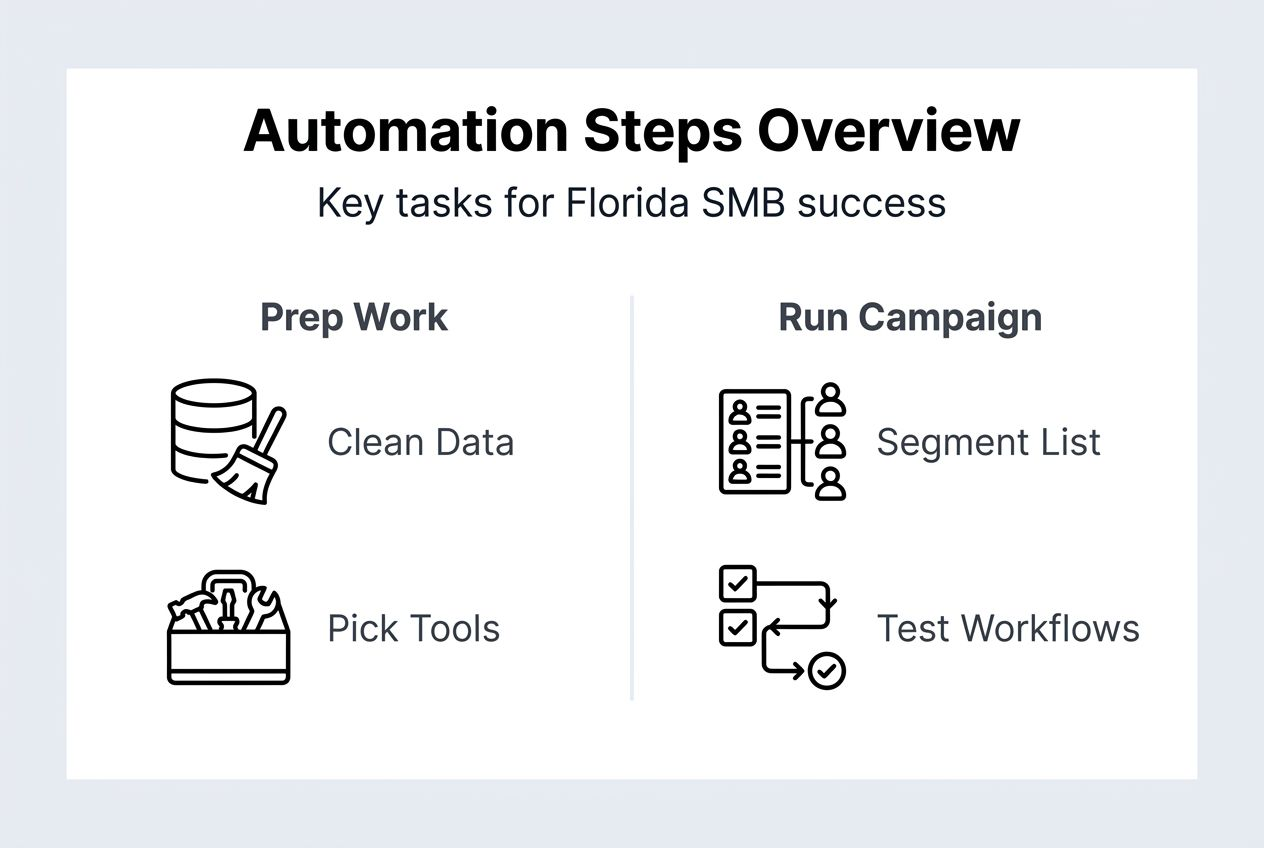
Successful automation starts with solid groundwork. First, assess your business needs by identifying which repetitive marketing tasks consume the most time. Document your current customer journey from awareness through purchase, noting where prospects typically drop off. Define clear goals like increasing email open rates by 25% or boosting lead conversion by 15%. These benchmarks guide tool selection and campaign design.
Data hygiene makes or breaks automation effectiveness. Clean your contact list by removing duplicates, fixing formatting inconsistencies, and updating outdated information. Verify that subscribers opted in legitimately to maintain compliance and deliverability. Segment contacts into meaningful groups based on actual behavior rather than assumptions. A dirty database produces embarrassing personalization errors and poor deliverability that waste your automation investment.

| Platform | Best For | Key Features | Monthly Cost |
|---|---|---|---|
| Mailchimp | Beginners | Email automation, templates, basic CRM | Free to $350 |
| HubSpot | Growing SMBs | Full marketing suite, CRM, workflows | Free to $800 |
| ActiveCampaign | Advanced users | Complex automations, CRM, sales tools | $29 to $149 |
| Constant Contact | Local businesses | Email marketing, event management, social | $12 to $80 |
CRM integration transforms automation from helpful to powerful. Implementing CRM integration leads to 20-30% higher sales conversion rates for Florida businesses. When your marketing platform syncs with customer data, you trigger campaigns based on purchase history, support interactions, or sales stage. A Fort Lauderdale contractor using integrated systems automatically sends maintenance reminders to customers based on service dates stored in their CRM, creating timely touchpoints that generate repeat business.
Data hygiene best practices for maintaining clean contacts:
- Remove inactive subscribers who haven’t engaged in 12+ months
- Standardize data fields like phone numbers and addresses
- Implement double opt-in for new subscribers
- Regular audit contact records for duplicates or errors
- Use progressive profiling to gradually collect information
- Validate email addresses at point of entry
Select tools matching your current needs and budget rather than overwhelming features you won’t use. Most Florida SMBs succeed with mid-tier platforms offering pre-built templates, visual workflow builders, and solid support. Prioritize platforms with strong integration capabilities for your existing CRM, website, and sales tools.
Pro Tip: Build consent and transparency into every automated campaign. Clear opt-in processes and easy unsubscribe options maintain list quality and legal compliance while building trust with Florida customers.
Step-by-step marketing automation execution
Building effective automated campaigns follows a systematic process:
- Segment your contact list based on behavior, demographics, or engagement level
- Design email templates matching your brand with clear calls to action
- Map customer journeys identifying key decision points and information needs
- Set triggers defining which actions start each workflow
- Build workflows connecting emails, delays, and conditional logic
- Configure personalization tokens inserting names, company details, or custom fields
- Test workflows thoroughly using sample contacts before launching
- Monitor initial performance and adjust timing or messaging as needed
Effective segmentation is crucial for successful campaigns, leading to higher engagement rates. A Jacksonville retail store might segment by purchase frequency, sending VIP offers to frequent buyers while nurturing occasional shoppers differently. Behavioral segments based on website activity, email clicks, or content downloads typically outperform demographic groups alone.
| Approach | Average Open Rate | Time Investment | Personalization Accuracy |
|---|---|---|---|
| Manual campaigns | 18-22% | 8-12 hours weekly | Moderate |
| Automated campaigns | 28-35% | 2-3 hours weekly | High |
Segmentation types serve different purposes. Demographic segments group by age, location, or company size. Behavioral segments target actions like purchases, downloads, or page views. Engagement segments separate active subscribers from dormant ones. Lifecycle segments align messaging with customer journey stages from prospect to loyal customer. Each improves open and click rates when matched to relevant content.
Common personalization pitfalls to avoid:
- Using merge tags that display errors when data fields are empty
- Over-personalizing to the point messages feel creepy rather than helpful
- Automating personal communications better suited for human outreach
- Sending behavior-triggered emails too frequently, causing fatigue
- Failing to update segments as customer status changes
Workflow design balances automation efficiency with authentic connection. A three-email welcome series works better than bombarding new subscribers daily. Space messages appropriately, giving recipients time to engage before the next touchpoint arrives. Use conditional logic branching workflows based on engagement, so active readers receive different follow-ups than those who ignore initial messages.
Pro Tip: Test every workflow using your own email address before launching to real contacts. You’ll catch formatting issues, broken links, and awkward timing that damage credibility when sent to prospects.
Monitoring results and optimizing campaigns
Tracking performance reveals what works and what needs adjustment. Key metrics tell different stories about campaign health:
- Open rates show subject line effectiveness and send time optimization
- Click-through rates measure content relevance and call-to-action strength
- Conversion rates track how many recipients complete desired actions
- Unsubscribe rates flag messaging problems or frequency issues
- Revenue per email calculates direct financial impact
Compare metrics against your baseline and industry benchmarks to identify improvement opportunities. If open rates drop suddenly, test new subject lines or adjust send times. Rising unsubscribe rates signal content misalignment or excessive frequency requiring immediate attention.
Common mistakes sabotage otherwise solid automation strategies. Over-automation removes the human touch that builds relationships, making every interaction feel robotic. Neglecting list hygiene lets bad data corrupt personalization and deliverability. Ignoring mobile optimization frustrates the 60% of recipients reading emails on phones. Setting workflows then forgetting them means missing performance degradation or market changes requiring updates.
Marketing automation amplifies both your successes and your mistakes. The difference between powerful campaigns and embarrassing failures comes down to understanding what to automate, implementing proper guardrails, and maintaining human oversight that catches errors before they reach customers.
Schedule quarterly audits reviewing workflows, contact data, and performance trends. Remove contacts who haven’t engaged in a year to maintain deliverability. Update messaging reflecting current offers, seasonal changes, or market conditions. Test new subject lines, content formats, and calls to action against control versions to continuously improve results.
Salesforce reports a 25% average increase in marketing ROI after adopting CRM and automation tools. This improvement compounds as you refine campaigns based on real performance data rather than assumptions. A Sarasota law firm might discover automated consultation reminders convert 40% better when sent 48 hours before appointments rather than same-day, then apply this insight across all client workflows.
Iterative testing drives sustained improvement. Run A/B tests comparing subject lines, send times, or content variations. Let tests run until reaching statistical significance before declaring winners. Document results and apply learnings to future campaigns. Small optimizations like better subject lines or streamlined calls to action compound into significant performance gains over months of consistent testing.
Pro Tip: Set calendar reminders for monthly performance reviews and quarterly strategy sessions. Consistent monitoring catches problems early and identifies expansion opportunities before competitors notice them.
Explore marketing automation solutions tailored for Florida businesses
Implementing marketing automation delivers powerful results, but managing multiple platforms often creates new complexity for Florida SMBs. You need seamless integration between your website, CRM, email marketing, and local SEO efforts to maximize automation benefits.
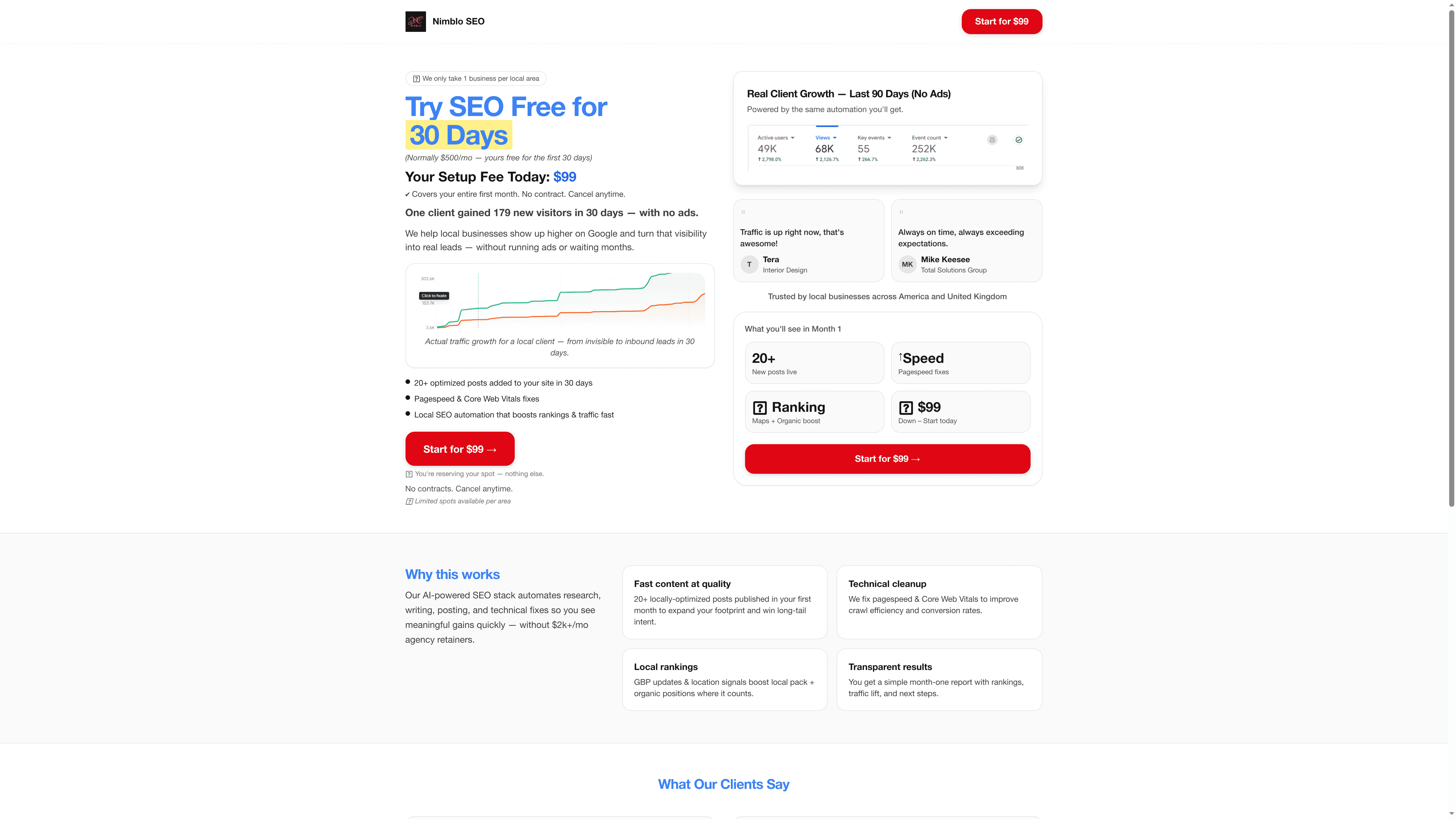
Nimblo.ai consolidates these critical tools into one affordable platform built specifically for Florida businesses. Our all-in-one business stack combines marketing automation with AI-powered local SEO, high-speed websites, and CRM integration at a flat $500 monthly rate with no contracts. Whether you’re in Tallahassee or anywhere across Florida, you get the automation power of enterprise tools with the simplicity SMBs need. Contact us to discover how integrated automation and local SEO drive measurable growth for Florida businesses like yours.
Frequently asked questions
What is marketing automation and why does my Florida business need it?
Marketing automation uses software to handle repetitive marketing tasks like email sequences, lead nurturing, and customer follow-ups automatically based on triggers you define. For Florida SMBs competing against larger companies, automation levels the playing field by delivering consistent, personalized communication at scale without hiring additional staff. It saves hours weekly while improving engagement rates and conversion compared to manual campaigns.
How do I choose the right marketing automation platform for my small business?
Focus on user-friendly platforms offering pre-built templates and visual workflow builders rather than complex enterprise tools requiring technical expertise. Prioritize solutions integrating smoothly with your existing CRM, website, and sales tools to avoid data silos. Choosing the right platform depends on your specific business needs and size. Consider starting with mid-tier options like Mailchimp or ActiveCampaign that balance powerful features with approachable interfaces and SMB-friendly pricing.
What are common marketing automation mistakes and how can I avoid them?
Over-reliance on automation for personal communications ranks among the biggest errors Florida SMBs make. Marketing automation can amplify efforts or mistakes depending on understanding what to automate, implementing guardrails, and maintaining human oversight. Automating the personal touch backfires when high-value prospects receive generic sequences better suited for early-stage leads. Implement regular workflow reviews, test campaigns before full launches, and reserve personalized outreach for key relationship moments that demand authentic human connection.
How long does it take to see results from marketing automation?
Most Florida SMBs notice improved engagement within 30-60 days of launching automated campaigns as workflows optimize send times and personalization. Significant conversion and revenue impacts typically emerge after 90-120 days once you’ve gathered enough data to refine targeting and messaging. Quick wins like welcome sequences and abandoned cart recovery often deliver immediate returns, while complex lead nurturing campaigns require longer timeframes to demonstrate full value.
Can marketing automation work for service-based Florida businesses or just e-commerce?
Service businesses benefit enormously from automation for appointment reminders, consultation follow-ups, client onboarding sequences, and re-engagement campaigns. A Naples dental practice might automate cleaning reminders and post-visit surveys, while an Orlando consulting firm uses workflows nurturing prospects through educational content before sales conversations. The key is adapting automation strategies to your specific service delivery model and customer journey rather than copying e-commerce tactics directly.