
Every Florida service business owner knows that a slow website can drive customers away before you even make contact. In a market where mobile users expect answers within seconds, site speed directly affects your reputation and revenue. By focusing on web performance metrics like load time and responsiveness, you can pinpoint what holds your site back and start using smart tools to unify your marketing and business operations for faster results.
Table of Contents
- Step 1: Assess Current Website Speed And Performance
- Step 2: Implement Core Optimization Techniques
- Step 3: Leverage Localized Seo And Efficiency Tools
- Step 4: Verify Improvements And Monitor Ongoing Results
Quick Summary
| Key Point | Explanation |
|---|---|
| 1. Assess Website Speed First | Use tools like Google PageSpeed Insights to establish your website’s current performance metrics before making improvements. |
| 2. Optimize Images for Speed | Compress images by 50-80% and use modern formats like WebP to significantly enhance page loading times. |
| 3. Implement Caching Techniques | Enable caching to allow repeat visitors to load pages instantly, improving speed by 30-50%. |
| 4. Focus on Local SEO | Optimize your Google Business Profile and use local keywords to boost visibility and attract local customers. |
| 5. Monitor and Document Improvements | Re-test your website regularly and document speed changes to validate optimization efforts and ensure continuous performance. |
Step 1: Assess Current Website Speed and Performance
Before you can improve your website’s speed, you need to know exactly how fast (or slow) it actually is. This step gives you a baseline to measure progress and identifies what’s dragging down your site.
Your current performance metrics matter more than you think. Slow websites lose customers. Even a one-second delay can increase bounce rates significantly, which directly impacts your bottom line as a service business in Florida where mobile users expect instant responses.
Start with free speed testing tools:
- Google PageSpeed Insights analyzes your desktop and mobile versions separately
- GTmetrix provides detailed waterfall charts showing which resources load slowest
- WebPageTest lets you test from different locations and devices
- Pingdom offers simple, actionable performance grades
Understanding web performance metrics like load time, interactivity, and responsiveness helps you identify exactly what needs fixing.
Run your website through at least two of these tools. You’ll get different perspectives on performance. Google’s tool focuses on user experience factors, while testing your page load time from an actual browser perspective reveals practical bottlenecks.
Write down these key numbers:
- Page load time (how long until your site fully loads)
- First Contentful Paint (time until visitors see content)
- Largest Contentful Paint (time until main elements load)
- Cumulative Layout Shift (visual stability during loading)
- Mobile vs desktop speed (track both separately)
These numbers become your benchmark. You’ll compare against them after making optimizations to prove what actually works.
Here’s how the main website speed testing tools compare:
| Tool Name | Unique Strength | Best Use Case | User Interface |
|---|---|---|---|
| Google PageSpeed Insights | User experience focus | Mobile and desktop diagnostics | Simple, actionable |
| GTmetrix | Waterfall load analysis | Identifying slow-loading resources | Technical, detailed |
| WebPageTest | Location/device flexibility | Testing global visitor scenarios | In-depth, customizable |
| Pingdom | Performance grading | Quick summary for business owners | Easy-to-read grades |
Test across different pages, not just your homepage. Your service pages, contact pages, and blog posts may perform differently. Mobile speed matters especially for Florida service businesses since most local searches happen on phones.
Pro tip: Run tests multiple times at different times of day and save screenshots of each result. Server performance fluctuates, and documentation proves your improvements to skeptics (or your team).
Step 2: Implement Core Optimization Techniques
Now that you know your baseline performance numbers, it’s time to actually fix the problems. Core optimization techniques address the biggest speed killers and deliver measurable results quickly.
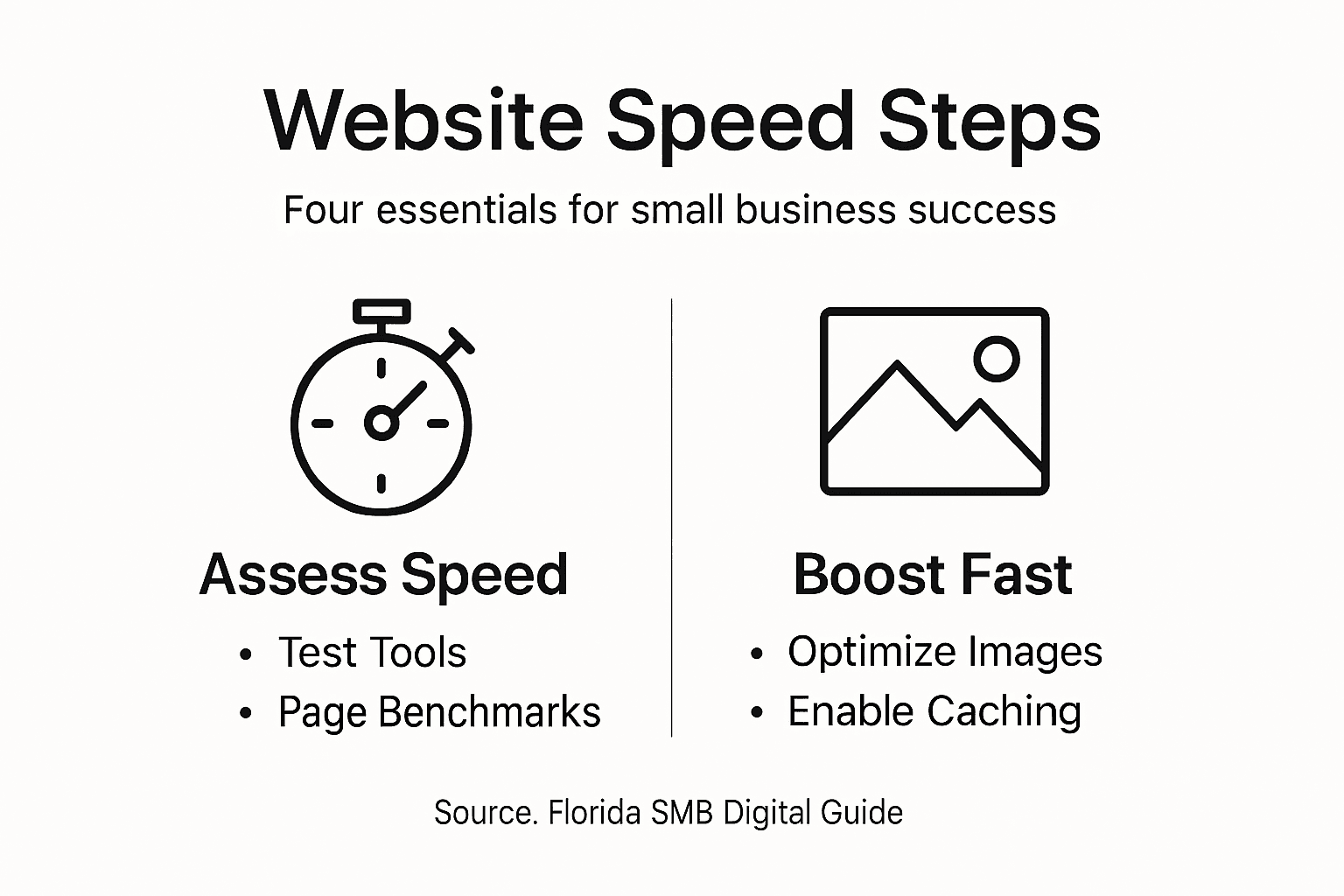
The best part? Many of these techniques don’t require a developer or expensive tools. You can implement them yourself right now.
Start with images, the biggest culprit:
- Compress all images before uploading (reduce file size by 50-80% without losing quality)
- Use modern formats like WebP instead of older JPEG or PNG files
- Implement lazy loading so images load only when visitors scroll to them
- Resize images to match your website dimensions exactly
Images typically consume 50% or more of page weight. Optimizing them alone can drop your load time dramatically.

Next, address your theme and plugins. A bloated WordPress theme with unnecessary features slows everything down. Lightweight themes and plugins minimize asset loading and reduce database queries, directly improving your speed.
Third-party scripts are another silent killer. Those chat widgets, analytics tools, and ad networks add latency with every page load. Limit embedded third-party content to only what you actually need.
Implementing website optimization strategies like caching, image optimization, and efficient hosting layers work together to improve speed dramatically.
Enabling caching is one of the quickest wins. A caching plugin stores static versions of your pages so repeat visitors load them instantly. Most Florida service businesses see 30-50% speed improvements just from caching.
Consider upgrading your hosting environment if you’re still on shared hosting. Managed hosting or virtual private servers give you better control and performance. Your hosting provider directly impacts how fast your site can possibly load.
Pro tip: After implementing each optimization, re-run your speed tests and document the improvements. Showing your team or clients the before-and-after metrics proves ROI and justifies further investments.
The core optimization strategies deliver measurable business benefits:
| Optimization Strategy | Primary Benefit | Implementation Difficulty | Potential Speed Gain |
|---|---|---|---|
| Image Compression | Faster load, lower bandwidth | Easy | High (15-40%) |
| Caching | Instant repeat load times | Easy to moderate | High (30-50%) |
| Lightweight Themes | Fewer assets, less bloat | Moderate | Moderate (10-20%) |
| Script Limitation | Reduces external latency | Moderate | Moderate (10-25%) |
Step 3: Leverage Localized SEO and Efficiency Tools
Speed optimization and local SEO work together to dominate your Florida market. A fast website with strong local visibility converts more customers than either alone.
Start by claiming and optimizing your Google Business Profile. This single action has enormous impact on local search visibility and customer trust. Make sure your business name, address, phone number, and hours are accurate and match exactly across all platforms.
Incorporate location-specific keywords naturally into your website content. Instead of just “plumbing services,” target “emergency plumbing in Miami” or “AC repair in Tampa.” Local keywords drive traffic from customers actively searching in your area.
Build local credibility with these tactics:
- Encourage satisfied customers to leave positive reviews on Google and other platforms
- Maintain consistent Name, Address, and Phone information everywhere online
- Get listed in local business directories relevant to your industry
- Build partnerships with complementary local businesses for referrals
Consistency in business contact details across all platforms directly improves your search rankings and customer confidence.
Now consolidate your tools. Running separate systems for email, CRM, scheduling, and marketing wastes time and money. An all-in-one platform like Nimblo combines local SEO, website hosting, automation, and lead management in one place.
Using a unified system means your speed optimizations stick around. When your website and CRM are integrated, you can automate follow-ups to leads, track conversion rates, and optimize faster. No more data silos or missed connections.
Regularly monitor your local search performance. Check how you rank for location-based keywords monthly. If rankings slip, your technical speed and on-page optimization may need adjustment.
Pro tip: Set up Google Alerts for your business name and location keywords so you catch mentions and reviews instantly. Responding quickly to customer feedback boosts your local reputation and shows search engines you’re actively engaged.
Step 4: Verify Improvements and Monitor Ongoing Results
You’ve made changes. Now prove they worked. Testing your improvements shows what actually moved the needle and keeps your site fast long-term.
Return to the same testing tools you used in Step 1. Run Google PageSpeed Insights, GTmetrix, and WebPageTest again on the same pages. Compare your new scores to your baseline numbers.
You’re looking for real improvements. A 10-20% speed increase is solid. A 30-50% jump means your optimizations hit the mark. Document these numbers in a spreadsheet with dates so you track progress over time.
Check these specific metrics:
- Page load time (total seconds to full page load)
- First Contentful Paint (time to see content)
- Largest Contentful Paint (time to main element load)
- Cumulative Layout Shift (visual stability)
- Mobile vs desktop comparison
Measuring key web performance metrics like load times and responsiveness helps you validate the impact of each optimization you made.
Don’t stop testing after one round. Speed optimization isn’t a one-time project. New plugins, traffic spikes, or content updates can slow things down again. Set a monthly reminder to re-test your top pages.
Ongoing website performance testing simulates real-user conditions and reveals bottlenecks before they frustrate your customers.
Use automated monitoring tools to watch your speed continuously. Services like Uptime Robot or New Relic alert you immediately if your site slows down unexpectedly.
Track your conversion impact. A faster website should increase leads and sales. Monitor how many service requests or form submissions you get each month. If speed improved but conversions didn’t, dig deeper into your sales process.
Share results with your team and clients. Show before-and-after metrics. Explain what changed and why it matters. Transparency builds buy-in for ongoing optimization efforts.
Pro tip: Set up a performance dashboard that tracks your top pages’ speed scores weekly. When metrics slip below your baseline, you’ll catch problems immediately instead of losing customers to slow load times.
Unlock Lightning-Fast Website Performance and Local SEO Success with Nimblo.ai
If you have read the “Website Speed Optimization Guide for Florida SMB Success,” you understand how crucial rapid load times and strong local SEO are to keeping your customers engaged and converting visitors into leads. Slow page loads, image bloat, and complicated third-party tools drain your potential every day. Don’t let your Florida business lose valuable traffic or suffer from inconsistent local search presence.
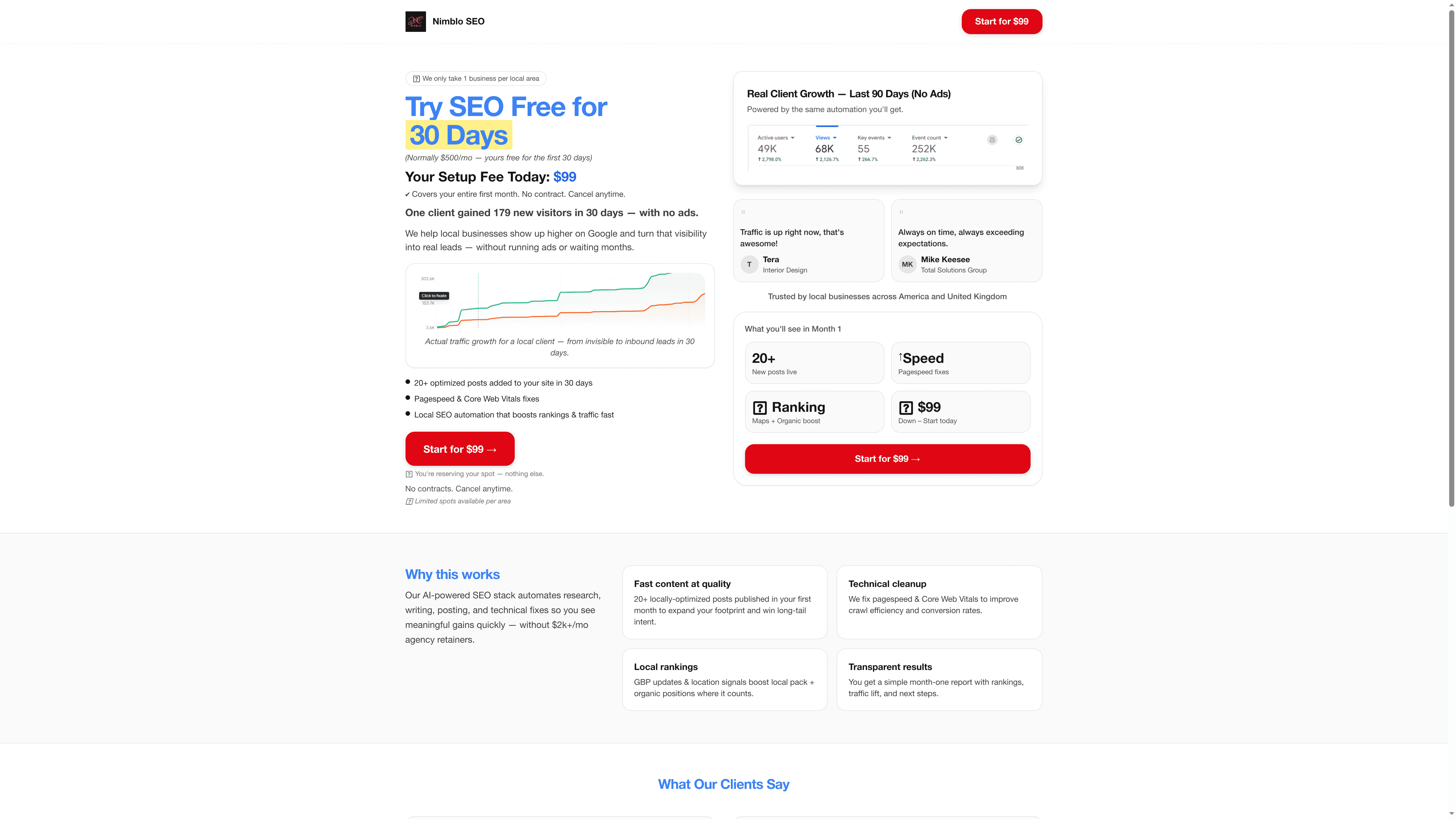
Experience the power of an all-in-one platform designed specifically for Florida SMBs that need fast, reliable websites with built-in AI-powered local SEO and marketing automation. With Nimblo.ai, you get conversion-optimized web design, automated follow-ups, and everything needed to improve mobile and desktop performance without juggling multiple costly vendors or plugins. Start accelerating your business growth and save money now by visiting our landing page and see how easy it is to get started: Discover Nimblo.ai. Embrace speed, efficiency, and local market expertise today to dominate your market tomorrow.
Frequently Asked Questions
How can I assess my website’s current speed performance?
You can assess your website’s speed performance by using free tools like Google PageSpeed Insights and GTmetrix. Run your site through at least two of these tools to get a comprehensive view of your performance metrics.
What are key metrics to monitor during website speed optimization?
Key metrics to monitor include page load time, First Contentful Paint, Largest Contentful Paint, and Cumulative Layout Shift. Focus on improving these numbers to enhance user experience and reduce bounce rates.
What quick optimizations can I make to improve website speed?
You can quickly improve your website speed by compressing images, enabling caching, and using a lightweight theme. Start by compressing images to reduce file size, which can lead to speed gains of 15-40%.
How should I approach ongoing monitoring of my website’s speed?
Regularly monitor your website’s speed by re-testing your top pages at least once a month. Set reminders to check your metrics, as ongoing monitoring helps catch performance issues early.
How can local SEO strategies enhance my website speed optimization?
Local SEO strategies can enhance speed optimization by driving relevant traffic to your site, which can improve overall performance. Optimize your Google Business Profile and include location-specific keywords to attract local customers and boost engagement.
What tools can I use to continuously monitor my website’s performance?
You can use automated monitoring tools to continuously track your website’s performance, such as Uptime Robot or New Relic. Set them up to alert you immediately if your site’s speed drops unexpectedly.
Recommended
- 7 Website Speed Optimization Tips for Florida SMBs – Nimblo
- Website Performance: Driving Growth for Florida SMBs – Nimblo
- Why Website Speed Matters for Florida SMBs – Nimblo
- Why Website Speed Affects SEO for Florida SMBs – Nimblo
- 7 Essential Steps for Website Optimisation Checklist Success
- Digital Marketing Plan Guide for Small Businesses Success
- Master SEO Bendigo: Step-by-Step Guide for Business Success – Jarrod Harman