
Missed follow-up calls and scattered customer notes can cost Florida service-based businesses valuable opportunities every week. Keeping track of leads, conversations, and appointments is tough when your team juggles multiple tools. A Customer Relationship Management (CRM) system centralizes client information, communication history, and sales activities, letting your staff operate with less chaos and more confidence. Discover how the right CRM empowers you to organize, automate, and grow without losing control.
Table of Contents
- What CRM Means For Small Businesses
- Major CRM Types And Key Differences
- Essential CRM Features And Functions
- Automating Marketing And Lead Generation
- Costs, Common Pitfalls, And Alternatives
Key Takeaways
| Point | Details |
|---|---|
| Importance of CRM for Small Businesses | A CRM system centralizes customer information, improving organization and enabling teams to follow up effectively on leads. |
| Types of CRM | Operational, Analytical, and Collaborative CRMs serve different purposes; start with operational CRM for immediate needs, then scale. |
| Critical Features | Key features include centralized data management and sales pipeline visualization, which help optimize team performance and predict revenue. |
| Cost and Implementation | Budget realistically for CRM costs and address adoption challenges, such as training and data quality, to maximize the system’s benefits. |
What CRM Means for Small Businesses
A Customer Relationship Management (CRM) system is essentially a control center for your customer relationships. Think of it as a digital filing cabinet combined with a sales coach and administrative assistant rolled into one platform. Customer relationship management systems centralize everything about your customers in a single place: their contact information, communication history, purchase behavior, service interactions, and where they stand in your sales pipeline. For Florida service-based businesses operating with lean teams, this matters because you cannot afford to lose track of a single lead or miss a follow-up call that could turn into revenue.
Without a CRM, your customer information lives scattered across email inboxes, handwritten notes, spreadsheets, and someone’s memory. A prospect calls back three weeks later, and nobody remembers what they discussed. A service appointment gets scheduled twice. Your team wastes time searching for customer details instead of actually selling or serving. A CRM fixes these problems by creating a single source of truth. When Sarah from your sales team talks to a prospect, that conversation gets logged. When your support team handles an issue, it’s documented. When a follow-up task needs to happen, the system reminds you automatically. This prevents the costly gaps that plague small businesses.
Beyond organization, modern CRM platforms apply AI for automation and enable mobile access, which means your team can access customer information from anywhere, not just at a desk. You can automate routine follow-ups, prioritize your hottest leads, and personalize your communications based on what you actually know about each person. The result is that your small team operates like a larger, more coordinated organization, improving your sales pipeline visibility and delivering better customer experiences that drive retention and referrals.
Pro tip: Start by mapping out which customer information you currently lose or have to dig to find, then choose a CRM that keeps that specific data organized and accessible to your entire team.
Major CRM Types and Key Differences
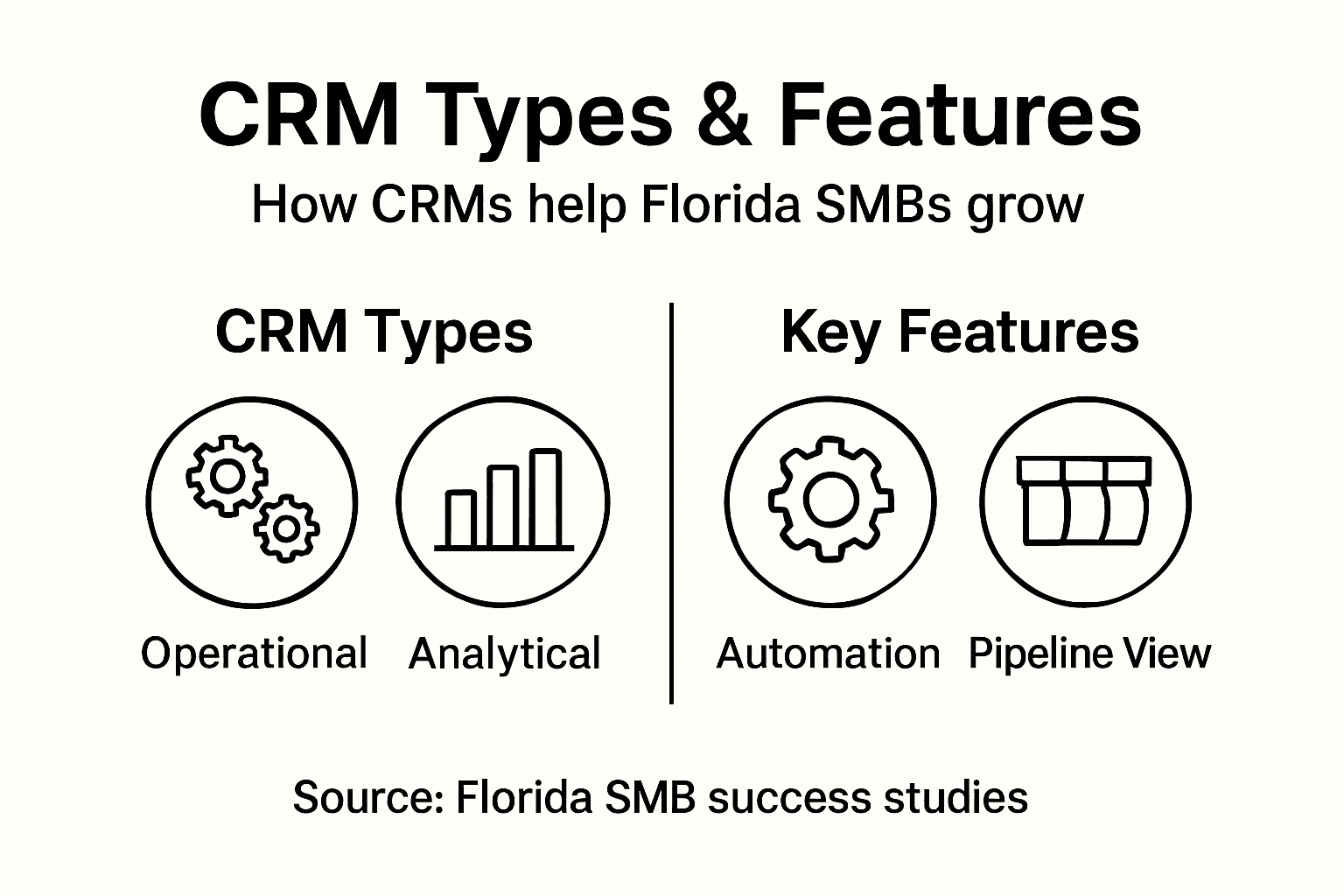
Not all CRMs work the same way. There are three major categories, and understanding which one fits your Florida business depends on what problems you’re actually trying to solve. Operational CRM automates the daily work your team already does: sales follow-ups, marketing campaigns, customer service responses. It takes repetitive tasks off your plate and pushes leads through your sales funnel faster. Analytical CRM does the detective work. It gathers all your customer data, organizes it, and tells you what patterns exist. You learn which customers buy most frequently, which marketing campaigns actually convert, and where your best opportunities lie. Collaborative CRM breaks down the walls between your departments. When your sales team hands a customer to your service team, that customer’s entire history flows with them. Marketing knows what support already promised. Everyone sees the same customer information and works from the same playbook.
For most Florida service businesses starting out, operational CRM automates sales and marketing tasks to accelerate conversion and reduce administrative burden. This is where you get the immediate payoff. Your team stops chasing emails and spreadsheets. Appointments get scheduled automatically. Follow-ups happen on time. Leads that would slip through the cracks now get proper attention. As you grow, analytical CRM capabilities become critical because you start asking better questions. Which service packages make you the most money? Which customer segments have the highest lifetime value? What’s your actual close rate, not just what someone thinks it is? Then collaborative CRM kicks in when you have multiple teams that need to work together seamlessly.

The mistake many small businesses make is trying to do everything at once. You do not need all three from day one. Start with operational features that fix your immediate chaos. Track your leads properly. Automate your follow-ups. Once that foundation is solid and you have clean data flowing through the system, then layer in analytics. Know your numbers. Then add collaborative features as your team grows and complexity increases. Choosing the right type now saves you from expensive switching later and ensures your team actually adopts the tool instead of ignoring it.
Pro tip: Pick the CRM type that solves your biggest current pain point first—operations for chaos, analytics for decision-making, or collaboration for coordination—then grow into the others as your team matures.
Here’s a concise comparison of CRM types and their unique strengths for small businesses:
| CRM Type | Primary Benefit | Ideal For | Key Business Impact |
|---|---|---|---|
| Operational CRM | Task automation | Small, busy teams | Reduces admin workload |
| Analytical CRM | Data-driven insights | Growth-focused firms | Reveals profit and trends |
| Collaborative CRM | Team synchronization | Multi-team businesses | Boosts coordination and handoffs |
Essential CRM Features and Functions
Every CRM platform handles the basics differently, but there are core features that separate a truly useful system from glorified contact list software. Centralized data management is the foundation. All your customer contacts, deal information, email conversations, and notes live in one searchable location with permission controls so sensitive information stays protected. When a team member needs customer history, they do not dig through email folders or ask around the office. They pull up the record and see everything: every call, every email, every service ticket. Contact tracking captures every touchpoint. A prospect calls. That conversation gets logged with a date, time, and summary. Your support team handles an issue. That gets documented with the resolution. Your marketing sends an email. The system records whether it was opened and clicked. This activity history becomes your competitive advantage because you know exactly where a customer stands and what they need next.
Sales pipeline visualization is where many Florida service businesses see immediate payoff. Instead of wondering where deals stand, you see them visually. Ten prospects in discovery. Five in proposal stage. Two ready to close. The system forecasts your expected revenue based on deal size and probability. No more guessing about next month’s cash flow. Marketing automation capabilities create email sequences and targeted campaigns without manual work. A new lead comes in, and an automated welcome series starts immediately. A customer completes a purchase, and they get service tips via email on a schedule. You can set up marketing automation workflows that nurture prospects while your team focuses on closing deals and serving existing customers.
Beyond daily operations, tracking and analyzing customer interactions like calls, emails, meetings, and purchases reveals patterns that inform your strategy. You spot which customers have the highest lifetime value. You identify which marketing channels actually bring profit. You see which team members close faster. These insights let you make decisions based on data rather than hunches. The result is a business that operates with visibility, reduces administrative chaos, and grows faster because nothing falls through the cracks.
Pro tip: Before selecting a CRM, list the three features that would save your team the most time each week—whether that’s automated follow-ups, pipeline visibility, or email tracking—then prioritize platforms that excel at those specific functions.
Review this summary of critical CRM features and how they impact service-based businesses:
| Feature | Main Function | Business Impact |
|---|---|---|
| Centralized Data | Stores all customer info | Prevents data loss and confusion |
| Sales Pipeline Tracking | Visualizes deal stages | Predicts revenue and cash flow |
| Marketing Automation | Schedules campaigns automatically | Improves lead nurturing and saves time |
Automating Marketing and Lead Generation
Here is where CRM transforms from a file cabinet into a growth machine. Marketing automation within a CRM system means that once a prospect enters your system, a series of strategic touchpoints happens automatically without anyone manually sending emails or making calls. A new lead fills out a form on your website. They receive a welcome email immediately. Two days later, they get educational content about your service. Four days after that, a team member reaches out with a personalized message based on what they learned about the prospect’s interests. The prospect never falls through the cracks because the system keeps the conversation moving forward. This is not robotic or impersonal. AI-driven marketing strategies use automation to create personalized customer engagement based on actual prospect behavior, meaning each person gets messages relevant to their specific situation and timing.
Lead scoring is another game-changer hiding inside CRM automation. Not all leads are equal. Some are ready to buy next week. Others are still researching in six months. A good CRM system watches how prospects interact with your emails, website, and content, then scores them automatically. Hot leads get immediate attention from your sales team. Warm leads get nurturing sequences. Cold leads stay engaged without consuming your team’s bandwidth. This means your salespeople spend time on prospects most likely to close instead of chasing everyone equally. You can automate lead generation for local SMBs while your team focuses on the conversations that actually convert.
Email campaigns become infinitely more powerful when automated intelligently. Instead of sending one generic email to your entire list, you can segment customers by their behavior, interests, or service history. Service customers get tips on maintaining what they purchased. Prospects in discovery get comparison content. Past customers get loyalty offers. AI tools in marketing automate customer segmentation and campaign optimization, meaning you deliver the right message to the right person at the right time without manual effort. The result is higher open rates, better click-through rates, and more qualified conversations happening while you sleep.
The efficiency gain alone justifies implementing automation. Your team stops spending afternoons on repetitive emails and follow-up calls. They focus on relationship building and closing deals. At scale, one team member can nurture hundreds of prospects simultaneously because the system handles the legwork. For Florida service businesses, this means competing effectively even against larger competitors with bigger teams.
Pro tip: Start with one automation sequence: new lead welcome, new customer onboarding, or past customer re-engagement, then measure results before expanding to additional sequences.
Costs, Common Pitfalls, and Alternatives
CRM pricing is not one-size-fits-all, and understanding what you actually pay matters before committing. Budgeting for CRM implementation includes software setup, training, data migration, and ongoing subscription fees, all of which vary based on the platform, number of users, and customization requirements. A basic CRM might cost $50 per user monthly. Enterprise systems run thousands. Then add hidden costs: time spent migrating old data from spreadsheets and email, training your team so they actually use it, integrating it with your website or accounting software, and potential upgrades as you grow. Many Florida service businesses underestimate these expenses and get surprised when the final bill arrives. The key is budgeting realistically upfront rather than picking the cheapest option and discovering it lacks critical features halfway through implementation.
Common adoption pitfalls are predictable and avoidable if you know what to watch for. Limited technical resources means your team struggles to set up automation or troubleshoot issues. Insufficient training leaves your staff confused about how to use the system, so they bypass it entirely and return to old habits. Poor data quality happens when you migrate messy information from scattered sources without cleaning it first. A CRM with garbage data produces garbage insights. Resistance to change is real because your team likes their current workflow, even if it is inefficient. CRM adoption challenges in SMEs include insufficient user training and limited expertise, all of which prevent businesses from realizing the full benefits. The solution is not picking a different tool. It is addressing these implementation factors directly.
If a full CRM feels overwhelming or expensive right now, alternatives exist. Simpler contact management tools like basic spreadsheet templates organize information but lack automation. Partially automated systems offer some features without the complexity of enterprise CRM. Hybrid approaches use Google Workspace or Microsoft 365 for basic contact tracking while adding targeted automation for specific workflows. These alternatives work temporarily but eventually create friction as your team grows. You end up managing multiple systems, losing data consistency, and missing the insights that drive growth. Most Florida service businesses find that a dedicated CRM pays for itself within months through improved conversion rates and reduced wasted time, making it worth the initial investment and learning curve.
Pro tip: Calculate your current cost of lost leads and missed follow-ups by tracking how many prospects slip away each month, then compare that number to your potential CRM investment to justify the expense to decision makers.
Simplify Your CRM Journey with Nimblo.ai for Florida SMBs
If juggling customer data, marketing automation, and sales follow-ups feels overwhelming, you are not alone. Many Florida service businesses face the challenge of scattered information and inefficient processes instead of streamlined growth. The article highlighted how operational CRM features like automated follow-ups, sales pipeline visibility, and personalized communication empower small teams to win more leads and close deals faster. Now imagine having a single platform that combines all these CRM essentials with powerful local SEO and website optimization in one easy-to-use solution.
Nimblo.ai offers a comprehensive SaaS platform tailored for Florida SMBs seeking to replace multiple costly tools with one affordable package starting at $500/month and no contracts. Benefit from AI-powered marketing automation, Google Business Profile management, and conversion-optimized web design alongside seamless CRM capabilities designed to reduce workload and increase lead conversion. Take control of your customer relationships and local presence while saving time and money. Explore how Nimblo.ai can transform your business today at Nimblo all-in-one solution and see the difference that a specialized platform makes for Florida SMB growth.
Frequently Asked Questions
What is a CRM and how can it benefit my small business?
A CRM, or Customer Relationship Management system, is a tool that centralizes customer information and interactions. It helps small businesses streamline communication, manage leads efficiently, and automate tasks, allowing teams to focus on selling and serving customers instead of managing data manually.
What are the different types of CRMs and which one should I choose?
There are three main types of CRMs: Operational, Analytical, and Collaborative. If your primary need is to automate daily tasks and improve efficiencies, an Operational CRM is ideal. If you want to analyze customer data for better decision-making, consider an Analytical CRM. For businesses with multiple teams needing coordination, a Collaborative CRM will help sync efforts across departments.
How does marketing automation work within a CRM?
Marketing automation in a CRM allows businesses to automatically send emails, create targeted campaigns, and engage leads without manual effort. This means that once a prospect enters your system, they can receive a series of tailored communications based on their engagement, making it easier to nurture leads and enhance conversions.
What are the potential costs and pitfalls of implementing a CRM for my business?
CRM costs can vary widely based on features and user needs, including software setup, training, and ongoing fees. Common pitfalls include limited technical resources, insufficient user training, and poor data quality. It’s crucial to budget realistically and address these issues upfront to maximize the benefits of your CRM implementation.