
Every Florida business owner knows it is tough to stand out and attract local customers online without the right tools. Getting your website up and running quickly is only half the battle. To actually grow your service business in cities like Miami or Tampa, you need a plan that connects your real goals with the people you most want to serve. In this guide, you will learn how to use a simple, all-in-one platform to build a website and automate your digital marketing—making it easier to reach and convert local customers.
Table of Contents
- Step 1: Define Business Goals And Target Audience
- Step 2: Choose All-In-One Platform For Setup
- Step 3: Customize Web Design And Branding
- Step 4: Enable Local Seo And Lead Automation
- Step 5: Verify Website Launch And Performance
Quick Summary
| Key Point | Explanation |
|---|---|
| 1. Define clear business goals | Establish specific, measurable goals to guide website design and content. |
| 2. Identify your target audience | Create detailed customer personas to tailor your messaging and services. |
| 3. Choose an all-in-one platform | Select a single platform to simplify setup and management of your website. |
| 4. Optimize for local SEO | Implement local SEO strategies to enhance visibility in search engine results. |
| 5. Test functionality before launch | Ensure all elements of your website work correctly and provide a smooth user experience. |
Step 1: Define business goals and target audience
Before you build your website, you need to know exactly who you’re building it for and what you want to accomplish. This isn’t about guessing or going with your gut feeling. Your website won’t work effectively until you’ve clearly defined your business goals and identified your target audience. Getting this right now saves you countless hours of wasted effort and money down the road.
Start by writing down your primary business goals. Are you trying to generate leads for your plumbing service? Book more appointments for your salon? Sell specific services to homeowners in Tampa or Miami? Your goals should be measurable and tied to your business needs. Don’t say “increase visibility.” Instead, say “capture 15 qualified leads per week from people searching for emergency HVAC repair in our service area.” That specificity matters because it shapes every decision you make on your website, from the copy you write to the contact forms you display.
Next, build a clear picture of your target audience. Identifying your target audience is critical because it allows you to deliver personalized and more effective marketing strategies. Start with the basics: demographics like age, income, location, and profession. But don’t stop there. Think about their actual problems. What keeps them up at night? If you run a lawn care business, your target audience isn’t just “homeowners in Florida.” It’s “busy professionals in the 35 to 55 age range who own half-acre properties and don’t have time to maintain their landscape.” That’s someone who’ll actually pay for your services.
Consider your customer’s buying behavior too. How do they search for your services? Are they looking on mobile phones during lunch breaks or on desktop computers when planning home improvements? What questions do they ask? If you own a pest control company, they’re likely searching “affordable pest control near me” or “termite inspection cost.” These details help you shape your website content and messaging to match exactly how your audience thinks and searches.
Write down 3 to 5 clear customer personas based on the different types of people you serve. Give them names, backgrounds, and specific goals. A pest control company might have “Concerned Homeowner Chris” who just saw a bug and panicked, and “Preventive Property Manager Patricia” who schedules inspections quarterly. Both need your services, but they respond to different messaging. Your website needs to speak to both groups.
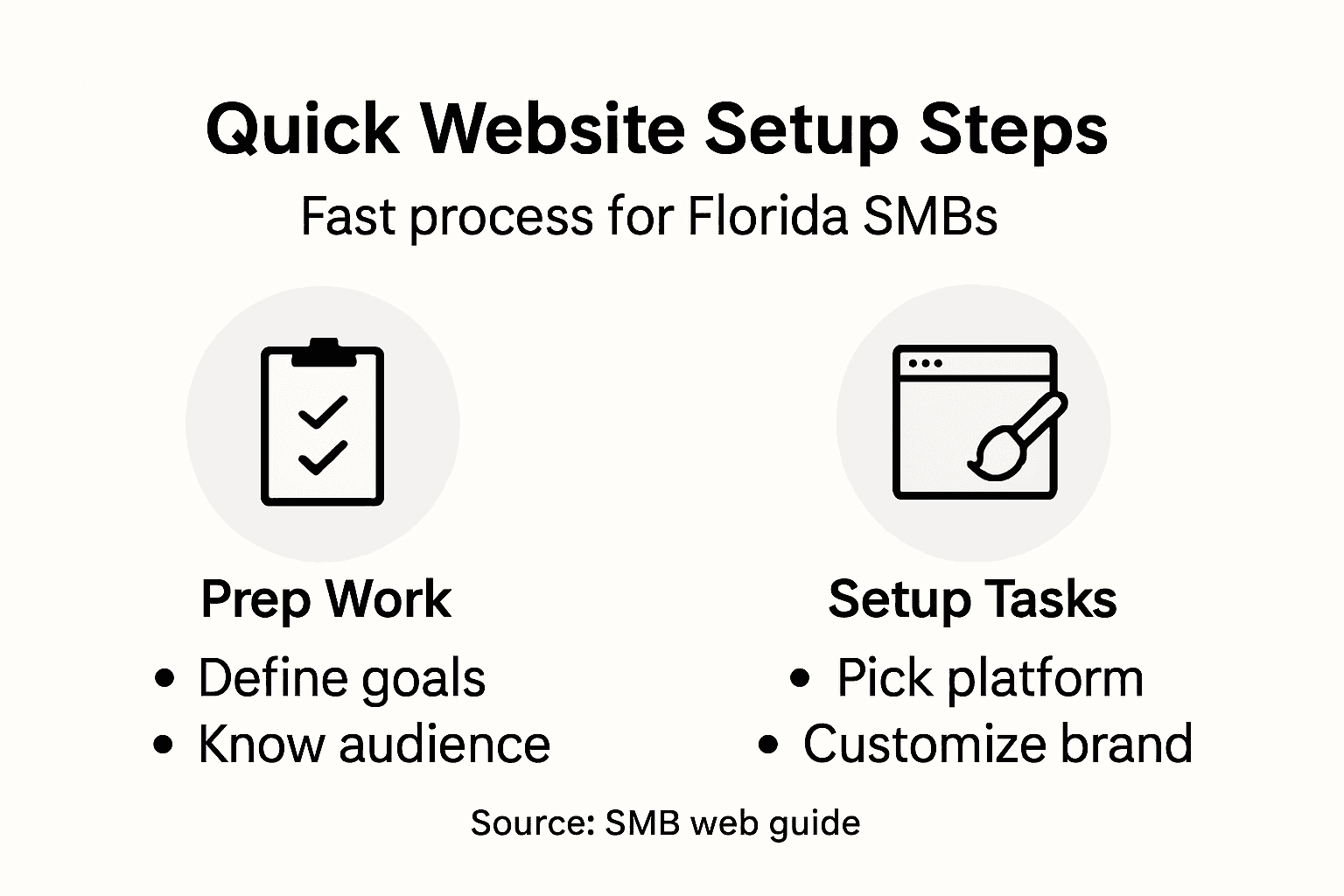
Finally, connect your audience insights back to your business goals. If your goal is to capture 15 qualified leads weekly and your target audience searches for services on mobile, your website must load fast on phones and have an obvious call to action above the fold. If your audience includes busy professionals who prefer quick responses, your website should highlight your response time and offer live chat or instant quote requests.
Pro tip: Document your business goals and customer personas in a simple one-page document you keep nearby while building your website, so every design and content decision reinforces who you’re trying to reach and what you want to accomplish.
Step 2: Choose all-in-one platform for setup
Now that you know your business goals and target audience, it’s time to pick the platform that will bring your website to life. This decision matters because the right platform gets you live faster, costs less, and gives you all the tools you need without hiring expensive developers or juggling multiple software subscriptions.
The best choice for Florida small business owners is an all-in-one platform. Here’s why: instead of buying separate tools for hosting, domain registration, website building, email marketing, and SEO, one platform handles everything. You avoid the headache of syncing multiple systems, paying separate vendor fees, and dealing with confusing integrations. All-in-one website builders offer extensive business tools, AI-driven features, and user-friendly interfaces that make them highly suitable for small business owners. You get integrated hosting, domain registration, templates, and marketing tools all in one place. That means you can launch your site in days, not months.
When evaluating platforms, focus on what actually matters for your business. First, look for a drag-and-drop editor that doesn’t require coding knowledge. You shouldn’t need to hire someone just to update your business hours or add a photo. Second, check whether the platform includes built-in SEO tools. Since you’re targeting local customers in Florida, you need features that help Google find your business when people search for your services. Third, verify that the platform offers email marketing and basic automation. These tools let you capture leads from your website and follow up automatically, which is how you turn visitors into paying customers.
The beauty of choosing a platform that includes hosting, domain management, and a website builder with drag-and-drop editors is that you can quickly create professional websites without requiring technical maintenance. This means no more worrying about server crashes, security updates, or complex backend management. The platform handles all of that for you while you focus on running your actual business.
Pay attention to pricing structure. Avoid platforms that lock you into long-term contracts or charge hidden fees. You want transparent pricing where you know exactly what you’re paying each month. Some platforms offer flat-rate pricing that bundles everything together, which works well if you need multiple features. Others charge separately for each feature, which can get expensive quickly. Calculate what you actually need and compare total costs, not just the base price.
Don’t get distracted by fancy features you’ll never use. A small HVAC company doesn’t need advanced e-commerce capabilities. A local salon doesn’t need inventory management. Focus on core features that directly support your specific business goals. If your main goal is generating leads, the platform must have a robust form builder and lead capture tools. If you want to sell services online, look for appointment scheduling or booking features.
Take the platform for a test drive before committing. Most platforms offer free trials or free plans with limited features. Spend 30 minutes actually building a few pages. Does the editor feel intuitive? Can you find the tools you need easily? How long does it take to publish something? Your gut feeling about usability matters because you’ll be logging into this platform regularly to update content and manage your online presence.
Here’s a quick reference for key considerations when evaluating all-in-one website platforms:
| Consideration | Why It Matters | Impact on Your Business |
|---|---|---|
| Drag-and-drop editor | Enables easy updates | Save time and avoid hiring developers |
| Built-in SEO tools | Improves search rankings | Attract more local customers |
| Email automation | Simplifies lead follow-up | Increase conversion rate |
| Transparent pricing | Avoids hidden costs | Helps plan your business budget |
| Usability | Speeds up site management | Reduces learning curve |
Pro tip: Choose a platform specifically designed for small business owners in your industry, as these often include pre-built templates and tools tailored to your business type, saving you days of custom configuration work.
Step 3: Customize web design and branding
Your website is often the first impression potential customers have of your business. This step is about making that impression count by customizing your design and branding to reflect who you are and appeal directly to the customers you identified earlier. A generic template won’t cut it if you want to stand out from competitors in your local market.

Start by establishing your visual brand identity if you haven’t already. Your brand colors, logo, and typography should feel intentional, not random. If you’re a luxury real estate agent in Miami, your design should feel upscale and professional. If you run a casual pet grooming shop, your design can be friendlier and more playful. The key is alignment. Your visual design should make people feel the same way your actual service does. Pull your brand colors into every element: the header, buttons, accent text, and backgrounds. Consistency builds recognition. When someone sees your website and then passes your physical location, they should immediately recognize you.
Customize your website templates thoughtfully rather than accepting the default settings. Most platforms provide pre-built templates that you can modify. Don’t just change the company name and call it done. Replace placeholder images with actual photos of your business, your team, or your work. A plumbing company should show before and after photos of real jobs. A salon should display photos of stylists and happy customers. These real images build trust way more effectively than stock photos of generic smiling people. Your target audience wants to see who they’re actually hiring.
Rewrite all the template copy to speak directly to your customers. Generic descriptions don’t convert visitors into leads. Instead of “We provide excellent service,” say “We respond to emergency water damage calls within 30 minutes, 24 hours a day in the Tampa area.” Be specific about what you do, who you serve, and what makes you different. Address the actual pain points your customers mentioned when you researched them. If busy homeowners are your audience, emphasize convenience and speed. If cost-conscious customers matter more, highlight your competitive pricing.
Organize your pages logically so visitors find what they need immediately. Most small business websites need a homepage, about page, services or products page, testimonials, and contact page. Don’t bury your contact information or make people hunt for how to reach you. Your call to action should be obvious and appear multiple times throughout the site. Whether it’s “Call now,” “Book an appointment,” or “Get a free quote,” make it crystal clear what you want visitors to do next.
Optimize your website for the way your customers will actually use it. If most visitors come from mobile phones (which is true for local service searches), your design must look great and function smoothly on smaller screens. Test your site on your own phone. Can you read the text easily? Do buttons respond when you tap them? Is the form simple enough to complete on a small screen? If the answer is no to any of these, fix it before going live. A frustrated visitor on mobile won’t become a customer.
Choose fonts that are legible and professional. Avoid more than two or three different fonts on your entire site. Stick to fonts that are easy to read on screens, not decorative fonts that look pretty but are hard on the eyes. Use adequate spacing between text and elements so the page doesn’t feel cramped. White space is your friend. It makes content easier to scan and digest.
Include trust signals throughout your design. Add customer testimonials with real names and photos. Display any relevant certifications or awards. Show how long you’ve been in business. Include your business phone number and address prominently. These details signal that you’re a legitimate, established business, not a fly by night operation. For service businesses especially, people need to feel confident they’re dealing with real professionals.
Pro tip: Before finalizing your design, show your website to three customers or people in your target audience and ask them one question: “What do you think this business does and who should call them?” If their answers match your actual business, your branding is working.
Step 4: Enable local SEO and lead automation
Your website is now live and looking professional, but it won’t generate leads if potential customers can’t find it. This step focuses on making your business visible in local searches and automating the process of capturing and following up with leads so nothing falls through the cracks.
Local SEO is the process of optimizing your online presence so you show up when people in your area search for what you offer. When someone in Jacksonville searches “emergency plumber near me” or “best salon in Miami,” you want your business to appear. Local SEO optimization focuses on improving a small business’s visibility in local search results, including through Google Business Profiles, local backlinks, and maintaining consistent business information across the web. Start by claiming and optimizing your Google Business Profile. This is free and shows your business name, address, phone number, hours, photos, and customer reviews right in Google search results and maps. Fill in every field completely. Add photos of your storefront, your team, and examples of your work. Encourage satisfied customers to leave reviews because Google uses these as ranking signals. Your complete Google Business Profile is often more important than your website for getting local customers to contact you.
Next, optimize your website content for local keywords. If you’re a cleaning service in Tampa, create pages that specifically target “house cleaning Tampa,” “move out cleaning Tampa,” and “post-construction cleaning Tampa.” Don’t just mention these phrases once. Work them naturally throughout your page titles, headings, and body text. Write content that answers the specific questions your local customers ask. A roofer in South Florida might write “How much does a roof inspection cost in Miami” or “What are the best roofing materials for Florida hurricanes.” This content pulls in customers searching for exactly what you offer, in your specific area.
Maintain consistent business information everywhere online. Your business name, address, and phone number should be identical on your website, Google Business Profile, Facebook, Yelp, and any other directory where you appear. Inconsistencies confuse search engines and hurt your rankings. This is tedious work if you do it manually, which is why automation becomes your secret weapon. Local SEO automation uses AI-driven tools to streamline maintaining consistent business information across directories, optimizing content for local keywords, and managing customer engagement. These automation tools save you hours every month by synchronizing your information across multiple platforms, updating it everywhere if you change your phone number, and monitoring what customers are saying about your business online.
Now set up lead automation on your website. Create contact forms that capture visitor information. When someone fills out a form requesting a quote or appointment, set up automatic responses that confirm you received their request and tell them when to expect contact. Then set up automation rules that immediately send their information to your phone via text or email so you see leads instantly. Don’t wait until tomorrow morning to follow up. The business that responds first almost always wins the sale. If you can reply to a lead within 5 minutes, your close rate skyrockets compared to businesses that wait hours or days.
Take lead capture one step further by automating follow up sequences. Not every lead converts immediately. Some people are still in the research phase or waiting for their budget to free up. Set up automated email sequences that stay in front of these leads. Send helpful content, special offers, or reminders about your service. A dentist might send automated emails about the importance of regular cleanings. A pest control company might share tips about preventing seasonal infestations. This keeps your business top of mind so when leads are ready to buy, they call you first, not your competitor.
Configure your platform to track which leads actually convert into customers. This data is gold. You’ll see which pages, forms, or offers generate the best quality leads. A contractor might discover that leads from his testimonials page convert at twice the rate of leads from his service pages. This tells him exactly where to focus his efforts. Make decisions based on data, not guesses.
Below is a summary of essential local SEO and lead automation elements and their business benefits:
| Element | Primary Benefit | Example Outcome |
|---|---|---|
| Google Business Profile | Boosts local search visibility | More calls from nearby customers |
| Consistent business info | Builds trust with search engines | Higher map and directory ranking |
| Lead capture forms | Gathers visitor details automatically | More leads in your CRM |
| Automated follow-ups | Stays top-of-mind with leads | More repeat business |
| Lead tracking | Identifies top conversion sources | Optimize marketing efforts |
Pro tip: Set up your lead automation to text you immediately when a new lead arrives, and commit to responding within one hour, every single time, because speed of response often determines who wins the sale in local service businesses.
Step 5: Verify website launch and performance
Before you flip the switch and make your website live to the world, you need to test everything thoroughly. This step involves checking that your site works correctly, loads quickly, appears properly on all devices, and is secure. Rushing this part is how businesses end up with broken links, slow pages, and frustrated visitors on day one.
Start with functionality testing on your actual website platform. Click through every page and every button. Test your contact forms by filling them out and verifying that the submissions actually arrive in your email inbox. Try booking an appointment if you offer that feature. Search for your business name on Google Maps to make sure your Google Business Profile is properly connected. Test your forms on different devices: your phone, a tablet, and a computer. Forms that work perfectly on desktop sometimes have issues on mobile where buttons overlap or text gets cut off. A contact form that doesn’t work on mobile means you’re losing leads from customers trying to reach you from their phones.
Check for broken links throughout your entire website. Broken links frustrate visitors and hurt your search engine rankings. Most website platforms have built in tools or plugins that scan for broken links automatically. Run that scan and fix anything it finds. While you’re at it, test all external links to make sure they still point to the correct websites. Links you added six months ago might have become outdated.
Verify that your website loads quickly. Slow websites drive visitors away and rank lower in Google. Use free tools like Google PageSpeed Insights to test your loading speed on both mobile and desktop. Aim for pages that load in under three seconds. If your pages are slower than that, your platform likely has image compression or caching features you can enable to speed things up. Images are usually the culprit, so make sure all images on your site are properly optimized before upload.
Test your website’s security before launch. Your platform should use SSL encryption, which you can verify by looking for a padlock icon next to your website address in the browser. That padlock tells visitors their information is secure when they fill out forms. Without SSL, visitors see a “Not Secure” warning that makes them immediately distrust your site. Most modern platforms include free SSL certificates, so enable it if you haven’t already. Proper website testing should include security verification via SSL certificates to ensure a smooth user experience when the website officially launches. Additionally, conduct a comprehensive security audit covering usability, functionality, performance, compatibility, and SEO readiness before your website goes live.
Test your website’s SEO readiness. Make sure your page titles are unique and descriptive, not generic. Check that your meta descriptions appear correctly in Google search results previews. Verify that your site has a sitemap and that you’ve submitted it to Google Search Console. This helps Google find and index all your pages. Make sure your business name, address, and phone number appear correctly on your contact page. These details help local search results. Check that your images have descriptive alt text, which helps both search engines and visitors who use screen readers.
Test on different browsers and devices. Most people visit websites on Chrome or Safari, but some still use Firefox or Edge. Your website should look and work the same across all browsers. Test on Apple devices and Android devices. A beautifully designed website on one phone might look broken on another.
Perform one final walk through from a customer’s perspective. Pretend you’re someone who found your website through a Google search. Can you quickly figure out what your business does? Can you easily find your phone number or contact form? Is it obvious what action you want visitors to take next? Does anything look confusing or unprofessional? Ask a trusted friend or family member to do the same and give you honest feedback.
Once everything passes your tests, you’re ready to launch. Set a specific date and time. Let your existing customers know your website is coming and direct them to it once it’s live. Monitor your website closely for the first week after launch. Check your email to make sure contact form submissions are arriving. Test your automation to verify that lead notifications are coming through. If you notice any issues, fix them immediately. The first week is your chance to catch problems before they affect too many visitors.
Pro tip: Create a simple checklist of all the tests you need to run, check them off as you go, and keep that checklist handy for at least three months after launch so you can retest critical functionality if you make any changes to your website.
Build Your Florida SMB Website Fast and Effortlessly with Nimblo.ai
Creating a professional website quickly is a challenge many Florida small business owners face. The article highlights how defining clear business goals, choosing an all-in-one platform, and optimizing for local SEO can save time and resources. If you want to avoid juggling multiple tools and complicated setups while ensuring your site performs well on mobile and drives qualified leads, Nimblo.ai is designed precisely for businesses like yours. Our platform combines AI-powered local SEO, high-speed website performance, and automated lead management in one simple solution.
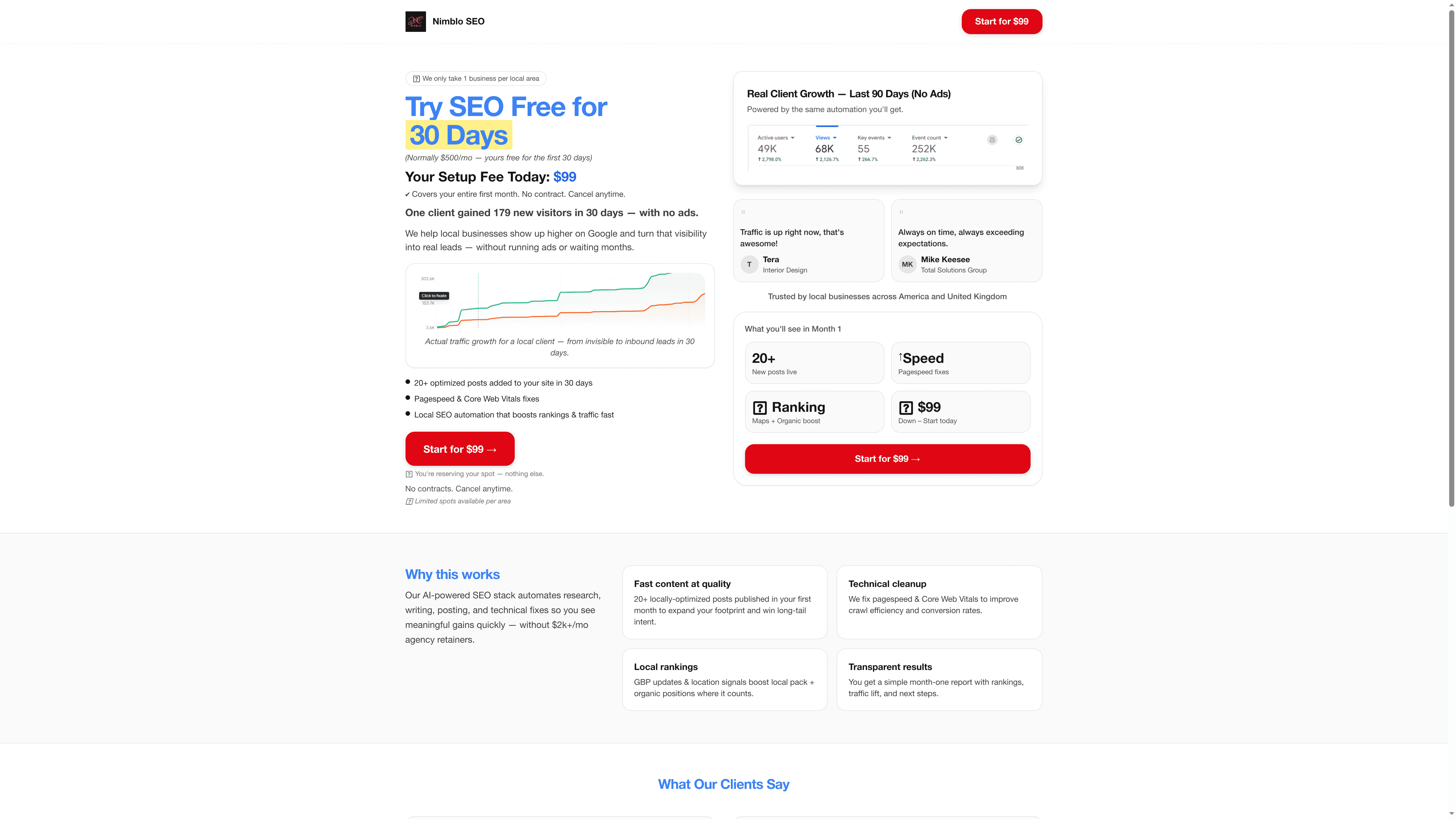
Take control of your digital presence today with our affordable, flat-rate service tailored for Florida SMBs. Visit Nimblo.ai’s quick setup page to see how we replace expensive agencies and software stacks with one smart platform. Don’t wait—deliver the fast, lead-generating website your business deserves now. Start transforming your online results by exploring the all-in-one SEO and website platform designed with Florida SMBs in mind.
Frequently Asked Questions
How can I define my business goals before creating a website?
Start by writing down specific, measurable goals tied to your business needs. For example, aim to capture 15 qualified leads per week from local searches related to your services.
What features should I look for in an all-in-one website platform?
Choose a platform that offers an easy drag-and-drop editor, built-in SEO tools, and email marketing capabilities. This way, you can quickly create a functional site that captures leads effectively.
How can I ensure my website design matches my brand identity?
Customize your website by incorporating your brand colors, logo, and typography consistently throughout. Make sure your design reflects the values and feel of your services, so visitors immediately recognize your business.
What steps should I take to optimize my website for local SEO?
Claim and optimize your Google Business Profile with complete information, including your address, phone number, and photos. Additionally, create content with local keywords to improve your chances of appearing in local search results.
How can I effectively test my website before launching it?
Conduct functionality testing by clicking through every page, filling out contact forms, and checking for broken links. Verify your website’s performance across different devices and browsers to ensure a smooth user experience.
What should I do to follow up with leads after launching my website?
Set up automated responses for contact forms to ensure leads receive confirmation right away. Then, implement follow-up email sequences to keep your business top of mind for leads who may not be ready to purchase immediately.
Recommended
- Master Website Design Best Practices for SMB Success – Nimblo
- 7 Website Speed Optimization Tips for Florida SMBs – Nimblo
- Website Performance: Driving Growth for Florida SMBs – Nimblo
- Why Website Speed Matters for Florida SMBs – Nimblo
- Boost Sales: Top Marketing Tips for SMBs Success – Go Online Now
- The Essential Guide to Website Role in Business Growth – Lind Creative
- Building a Strong Online Presence: A Step-by-Step Guide for Small Businesses – Digital Marketing Agency – Market Link Solutions