
TL;DR:
- Choosing the right website design enhances operational efficiency and conversion rates.
- AI tools enable rapid, cost-effective creation and automation integration for modern websites.
- Prioritizing automation-first strategies ensures scalable, workflow-aligned web presence.
Picking the wrong website design does not just hurt your brand image. It actively slows down your operations, creates workflow bottlenecks, and costs you leads every single day. With AI-driven tools reshaping how businesses build and manage their web presence, the stakes for making the right design choice have never been higher. The design you choose in 2026 will determine how well your site integrates with automation tools, scales with demand, and converts visitors into customers. This guide walks you through how to evaluate your options, the six leading design types, how AI accelerates the entire process, and how to match the right design to your specific workflow.
Table of Contents
- How to evaluate website design options
- 6 leading types of website designs for 2026
- How AI-driven design solutions automate workflow
- Side-by-side comparison: Which design matches your workflow?
- What most web design advice misses: Automation-first thinking
- Ready to optimize your website workflow with AI?
- Frequently asked questions
Key Takeaways
| Point | Details |
|---|---|
| Prioritize automation | Choose website designs that align with business automation and workflow needs for maximum impact. |
| Leverage AI efficiency | AI-powered tools dramatically cut website development time and cost while boosting output quality. |
| Match design to goals | Select your design style based on specific business objectives such as lead generation, brand engagement, and scalability. |
| Use comparison tools | Evaluating all major styles side-by-side helps clarify which design is the best fit for operational needs. |
How to evaluate website design options
Before you look at a single design template or style trend, you need a clear evaluation framework. Without one, you risk choosing a design that looks great but fails to serve your actual business operations. The starting point is always your business purpose. Are you generating leads, running an e-commerce store, or publishing information? Each goal demands a fundamentally different design architecture.
Traffic expectations and scalability matter just as much. A site built for 500 monthly visitors will buckle under 50,000 without the right foundation. Automation needs are the third pillar. If your team manually handles lead forms, appointment bookings, or customer inquiries, your design must support embedded automation from day one.
Setting SMART goals (Specific, Measurable, Achievable, Relevant, and Timed) before any redesign is not optional. Redesigns fail without specific business goals and bottleneck diagnosis, which means skipping this step almost guarantees a costly do-over within 18 months. A B2B firm that identified slow lead response times as its core bottleneck, for example, shifted to a Progressive Web App (PWA) design and cut response time by 60% through automated lead routing.
Diagnosing your workflow bottlenecks before a redesign is the step most businesses skip. Map your current customer journey and mark every point where a human has to intervene manually. Those are your automation targets, and your new design should eliminate as many of them as possible. Reviewing website design best practices early in the process will help you align design decisions with operational outcomes.
- Define your primary business purpose (lead-gen, e-commerce, or informational)
- Set traffic and scalability benchmarks before selecting a platform
- Identify at least three workflow bottlenecks your new design must address
- Align automation requirements with design capabilities from the start
Pro Tip: Map at least one specific operational goal to every design style you consider. If a design cannot support that goal natively or through integration, remove it from your shortlist immediately.
6 leading types of website designs for 2026
With your criteria in hand, let’s break down the six design styles dominating business web projects in 2026. Each has a distinct purpose, and choosing the wrong one for your industry is a surprisingly common and expensive mistake.
Minimalist designs strip everything down to content and conversion. Fast loading, low cognitive load, and high trust signals make them the go-to for professional services and B2B companies. As one consistent industry finding shows, “minimalist design continues to drive the best conversion rates in lead generation.” The pitfall is looking generic if you do not invest in strong typography and brand voice.

PWA (Progressive Web Apps) behave like native mobile apps but run in a browser. They work offline, load instantly, and are ideal for service businesses that need booking, scheduling, or transaction automation baked into the experience.
Neo-Brutalism uses raw, bold visuals, visible grids, and unpolished aesthetics to signal authenticity. It works well for creative agencies, fintech startups, and brands that want to stand out from polished corporate competitors. The risk is alienating more conservative audiences.
Y2K/Retro design taps into nostalgia with bold colors, pixel fonts, and early-internet aesthetics. It connects strongly with Gen Z audiences and consumer brands, but it requires careful execution to avoid feeling dated rather than intentional.
Claymorphism uses 3D soft shapes, pastel palettes, and inflated UI elements to create warm, engaging interfaces. Claymorphism adoption has grown 30% year over year for SaaS sites, largely because it makes complex software feel approachable. The pitfall is slow load times if assets are not optimized.
Behavioral design is driven by user actions and psychological triggers. It personalizes content, CTAs, and layouts based on what a visitor does in real time. This style has the highest automation ceiling of all six and is ideal for lead nurturing funnels. Its effectiveness for marketing is well documented across industries.
- Minimalist: B2B, professional services, high-trust lead gen
- PWA: Service businesses, bookings, offline-capable transactions
- Neo-Brutalism: Creative, fintech, authenticity-driven brands
- Y2K/Retro: Consumer brands, Gen Z audiences
- Claymorphism: SaaS, tech products, approachable UI
- Behavioral: Lead nurturing, e-commerce, personalization-heavy funnels
How AI-driven design solutions automate workflow
Having seen what styles are available, let’s explore how AI transforms the selection, build, and management process for each. The shift is dramatic. What used to take a team of designers, developers, and copywriters several months can now be prototyped in hours.
AI-driven design tools like Elementor AI generate wireframes, layouts, site copy, and custom CSS from simple text prompts. You describe your business, your audience, and your conversion goal, and the tool builds a working prototype. AI tools reduce manual effort by 80%, which means your team spends less time on production and more time on strategy.
The cost savings are even more striking. AI tools cut redesign time by 80 to 95% and costs by up to 99% compared to traditional agency engagements. For small and mid-sized businesses, that difference is the gap between affording a redesign this quarter or waiting two years.
Here is how the AI-driven workflow typically unfolds:
- Wireframing: AI generates multiple layout options based on your business type and goals
- Layout selection: You choose and refine the best option using drag-and-drop or prompt-based editing
- Content generation: AI writes headlines, body copy, and CTAs aligned to your brand voice
- Image creation: AI produces or sources visuals that match your design style and audience
Practical use cases include automated lead-gen forms that route submissions directly into your CRM, chatbot integration that handles first-touch customer inquiries 24/7, and instant booking widgets that eliminate back-and-forth scheduling. The role of AI in marketing and AI in SEO extends these gains well beyond the design phase.
Pro Tip: Always review AI-generated content for brand consistency and regulatory compliance before publishing. AI is fast, but it does not know your specific industry requirements or brand guidelines without explicit input.
Side-by-side comparison: Which design matches your workflow?
Once you understand the automation advantage, it is easier to compare and pick the right design fit for your organization using this table.
| Design type | Load speed | Automation potential | Lead-gen capacity | Branding impact | Best use case |
|---|---|---|---|---|---|
| Minimalist | Very fast | Medium | High | High trust | B2B, professional services |
| PWA | Very fast | Very high | High | Functional | Bookings, transactions |
| Neo-Brutalism | Medium | Low | Medium | Very distinctive | Creative, fintech |
| Y2K/Retro | Medium | Low | Low | Nostalgic | Consumer, Gen Z brands |
| Claymorphism | Medium | Medium | Medium | Warm, approachable | SaaS, tech products |
| Behavioral | Fast | Very high | Very high | Personalized | Lead nurturing, e-commerce |
Custom and AI-powered designs convert 20 to 40% better for business-focused goals compared to generic templates. That gap widens further when behavioral personalization is layered on top. Templates are fine for validating a concept with low traffic, but they cap your growth potential quickly.
Use this conversion optimization checklist to pressure-test any design choice before committing. Then ask yourself these questions:
- What is the single most important action I want visitors to take?
- What devices and contexts do my users primarily browse from?
- Does my team have the resources to maintain a custom or AI-driven build?
- Which design type natively supports the automation tools I already use?
- Am I optimizing for immediate conversions or long-term relationship building?
PWA is the clear winner for businesses that rely on bookings or transactions. Behavioral design leads for any organization with a complex lead nurturing process. Minimalist remains the safest bet for credibility-first industries like finance, law, and healthcare.
What most web design advice misses: Automation-first thinking
Seeing the head-to-head comparison, it is worth rethinking the final criteria beyond style or conversions. Most web design advice focuses on visuals, branding, and aesthetic trends. That is the wrong starting point for any business that wants to scale.
We have seen it repeatedly: a beautifully designed site that generates zero operational leverage because nobody embedded a lead-gen form, a chatbot, or a booking widget during the build. The site wins design awards and loses revenue. That is not a hypothetical. It is a pattern.
“Businesses that lead with automation in web design save more on costs and scale faster” because they build integration points into the architecture before a single pixel is placed. Style becomes a finishing layer, not the foundation.
Our recommendation is to evaluate every vendor and every design style on its automation story first. Ask your agency or AI tool: how does this design connect to my CRM, my scheduling system, and my analytics stack? If they lead with portfolio images instead of workflow diagrams, that is a signal worth noting.
The automation-first approach is what separates 2026-ready organizations from those that will be redesigning again in 18 months. Build the workflow in, then dress it up.
Ready to optimize your website workflow with AI?
With automation and operational goals clear, the right tools can help you implement the best design efficiently and at a fraction of traditional costs.
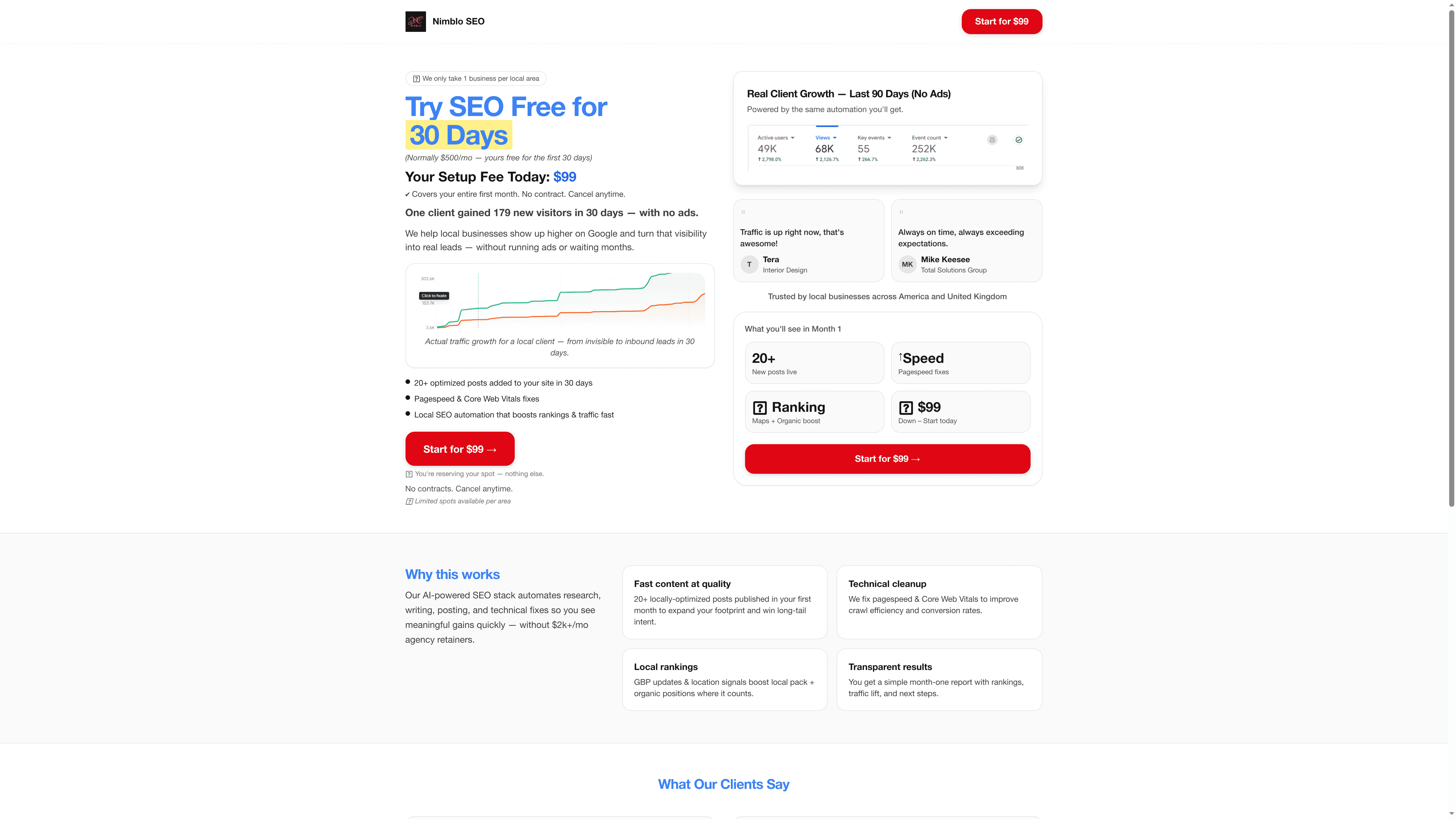
Nimblo’s AI-powered website solution brings together AI engineers, workflow architects, and domain experts embedded directly into your operations. Whether you need a PWA built for automated bookings or a behavioral site wired into your lead nurturing stack, Nimblo’s 120-day engagement model delivers measurable ROI fast. You get a dedicated automation pod that builds, integrates, and optimizes your web presence around your actual workflows, not just your brand guidelines. If you are ready to stop redesigning and start automating, explore what Nimblo can deploy for your business today.
Frequently asked questions
Which website design is best for automation?
PWA and behavioral designs offer the highest automation potential by integrating app-like features and user-personalized workflows that connect directly to your back-end systems.
How much time and cost can AI save in web design?
AI tools dramatically reduce redesign time by up to 95% and costs by up to 99% compared to traditional manual design and development approaches.
What is the difference between minimalist and neo-brutalism designs?
Minimalist and neo-brutalism have distinct strategies: minimalist prioritizes simplicity and fast conversions, while neo-brutalism uses bold, raw visuals to make an authentic brand statement.
When should a business choose a template vs. custom or AI-driven design?
Templates work for low-traffic concept validation, but custom and AI-driven sites convert 20 to 40% better for businesses with specific automation and growth goals.