
A complete Google Business Profile can make your business 70% more likely to attract visits from local customers searching right now. Yet most local business owners either skip the setup entirely or treat it as a one-time task and forget about it. If you’ve heard the term “Google My Business” and wondered whether it still exists, what it actually does, or how to make it work for your business, you’re in the right place. This guide walks you through everything from the basics to advanced strategies, so you can stop leaving free visibility on the table.
Table of Contents
- What is Google My Business (now Google Business Profile)?
- Who is eligible and how does verification work?
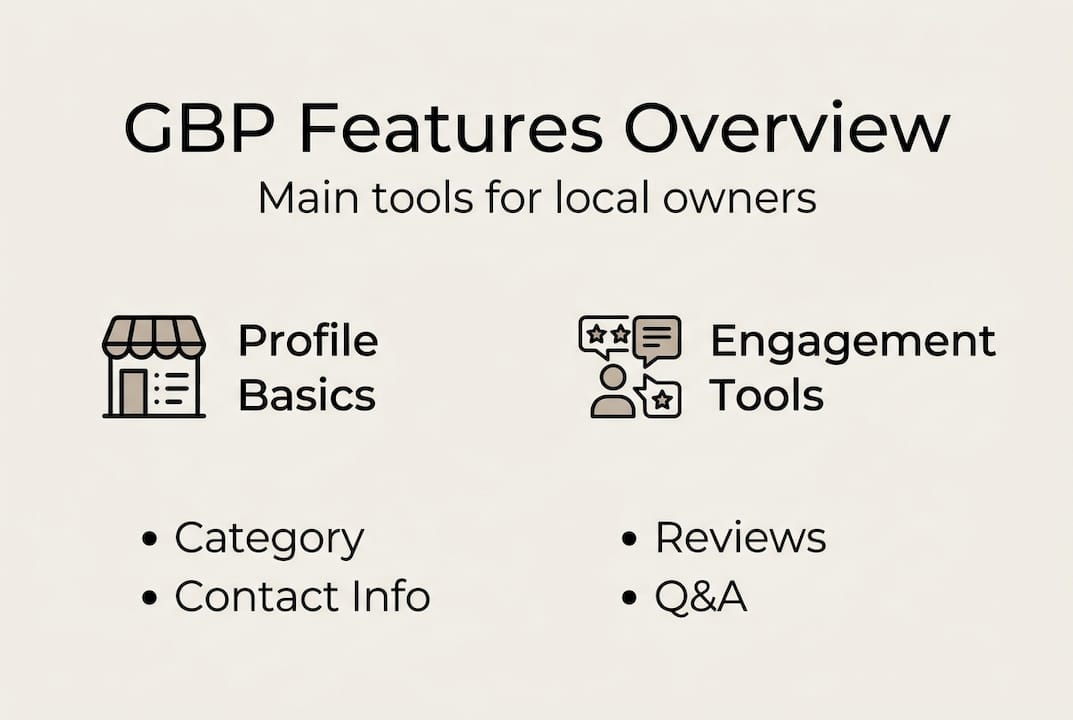
- Core features of Google Business Profile that drive results
- Expert strategies for optimizing and maintaining your GBP
- Why most businesses fail to maximize Google Business Profile
- Ready to take your Google profile to the next level?
- Frequently asked questions
Key Takeaways
| Point | Details |
|---|---|
| Rebranding matters | Google My Business is now Google Business Profile—avoid confusion by using the current name and features. |
| Verification is key | Only eligible businesses that complete verification appear on Google and gain search visibility. |
| Profile completeness boosts results | A fully completed profile with photos and reviews can more than double customer engagement. |
| Ongoing optimization wins | Regular updates and review responses keep your GBP ranking high and your business competitive locally. |
What is Google My Business (now Google Business Profile)?
Let’s clear up the confusion first. “Google My Business” is the old name. Google rebranded it to Google Business Profile (GBP) around 2022, and the dedicated app was retired. Today, you manage everything directly through Google Search or Google Maps. The name change threw a lot of business owners off, but the tool itself is more powerful than ever.
At its core, GBP is a free tool that lets businesses control how they appear across Google’s platforms. When someone searches for “pizza near me” or “plumber in Austin,” the businesses that show up in that prominent box on the right side of the screen, or in the map pack at the top of local results, are all powered by Google Business Profile. That’s prime real estate, and it costs nothing to claim.
Here’s a quick look at how GBP compares to just having a website:
| Feature | Website only | Google Business Profile |
|---|---|---|
| Appears in Google Maps | No | Yes |
| Shows business hours | Only if coded in | Yes, automatically |
| Collects Google reviews | No | Yes |
| Displays in local pack | Rarely | Yes |
| Free to set up | Varies | Always free |
GBP works for two main types of businesses. First, brick-and-mortar locations like restaurants, salons, and retail stores that customers visit in person. Second, service-area businesses (SABs) like plumbers, electricians, or cleaning companies that travel to their customers. Both can benefit enormously from a well-managed profile.
Here’s what a complete GBP listing includes:
- Business name, address, and phone number (NAP)
- Website link and hours of operation
- Business category and subcategories
- Photos and videos
- Customer reviews and your responses
- Posts, updates, and special offers
- Q&A section where customers ask questions
- Attributes like “wheelchair accessible” or “women-owned”
For a deeper look at how all these pieces fit together, the essential GBP guide is a great starting point. If you’re still asking yourself what is GBP and whether it applies to your specific business type, that resource covers it in detail.
Who is eligible and how does verification work?
Understanding the basics is just the start. Next, let’s see if your business qualifies and how to get verified.
Not every business can have a Google Business Profile. Eligible businesses must either have a physical location that customers can visit, or they must serve customers in person within a defined service area. Online-only businesses, rental properties, and businesses that have no direct customer contact do not qualify. This trips up a lot of e-commerce sellers who assume they can list their business just because they have a local address.
Once you confirm eligibility, verification is the next step. Google needs to confirm you actually represent the business at that location. Here are the main verification methods available:
- Postcard by mail — Google mails a code to your business address, typically arriving within 5 days
- Phone verification — Available for some businesses; Google calls with an automated code
- Email verification — Offered to select accounts with a verified business email
- Video verification — Increasingly common for service-area businesses; you record a short video showing your location or equipment
- Instant verification — Available if your business is already verified in Google Search Console
Common pitfalls that delay or block verification include mismatched business names, formatting errors in your address, and using a P.O. box instead of a real street address. Service-area businesses should hide their home address in the profile settings to avoid having a residential address displayed publicly.
| Verification method | Typical timeline | Best for |
|---|---|---|
| Postcard | 5 to 14 days | Most brick-and-mortar businesses |
| Phone | Immediate | Established businesses with listed numbers |
| Video | 3 to 7 days | Service-area businesses |
| Instant | Immediate | Search Console-verified accounts |
Pro Tip: Before submitting for verification, make sure your business name, address, and phone number are identical across your website, social media, and any directory listings. Even small differences like “St.” vs. “Street” can cause delays.
For a step-by-step walkthrough of the process, the verification guide covers edge cases and common fixes in detail.
Core features of Google Business Profile that drive results
Once you’re verified, it’s time to unlock GBP’s most powerful features.
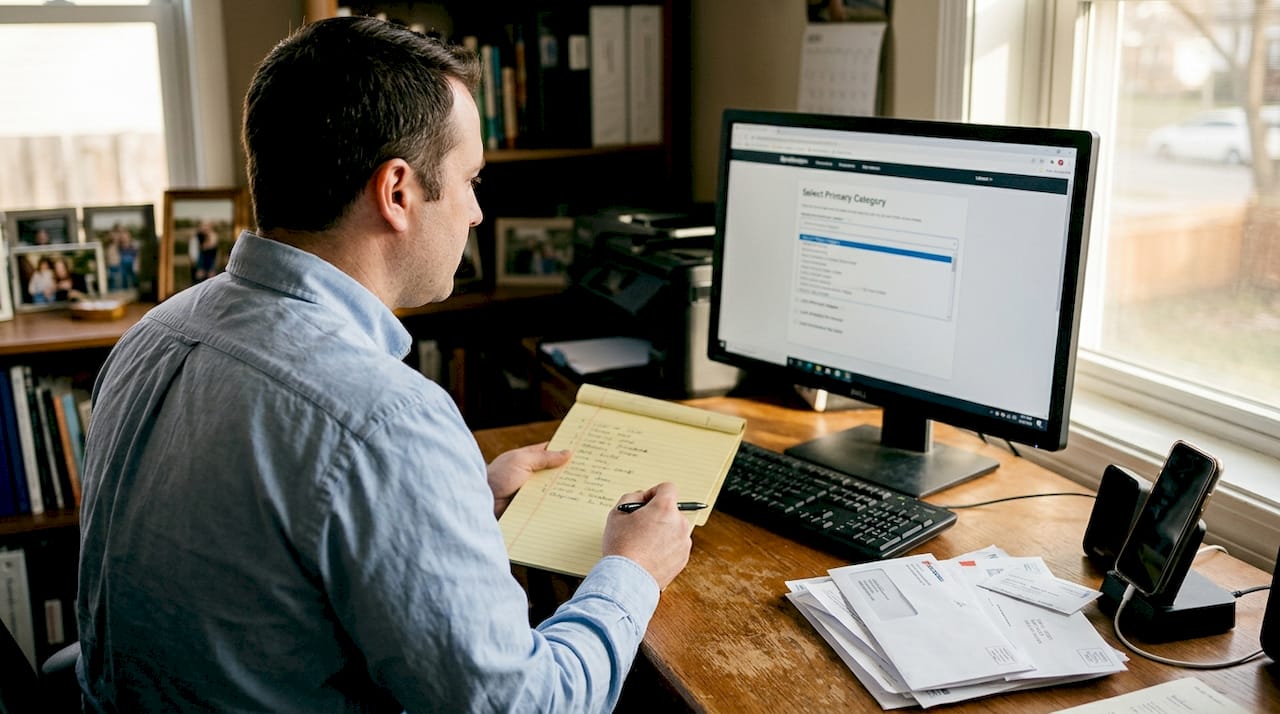
The first and most impactful decision you’ll make is choosing your primary business category. This single field carries enormous weight in determining which searches your profile appears for. Choose too broadly and you’ll compete with businesses that aren’t really your competitors. Choose too narrowly and you’ll miss relevant searches. Google offers hundreds of categories, so take the time to find the one that most precisely describes what you do.
Next, photos. This is where most business owners underinvest. Profiles with strong photo content see 42% more requests for directions and 35% more clicks to their website. That’s not a small lift. Upload at least 10 photos covering your storefront, interior, team, products, and any work you’ve completed. Update them regularly because fresh content signals an active business.
Here’s what a well-optimized profile should include on an ongoing basis:
- At least 10 high-quality photos, updated monthly
- A complete business description using natural language (not keyword stuffing)
- Accurate primary and secondary categories
- All relevant attributes selected (parking, accessibility, payment types)
- Weekly posts sharing offers, news, or updates
- Responses to every review, positive or negative
“Businesses that actively manage their GBP by claiming their profile, selecting the right category, adding photos, posting updates, and responding to reviews consistently outperform those that don’t in local search results.”
Reviews deserve special attention. Responding to reviews, even the negative ones, shows potential customers that you’re engaged and professional. It also signals to Google that your profile is active. When you respond to a one-star review calmly and helpfully, you’re not just managing that one unhappy customer. You’re showing every future customer who reads it that you take your business seriously.
Pro Tip: Use the Q&A section proactively. You can post your own questions and answer them. This lets you control the narrative around common customer concerns before they even ask.
For real-world examples of how these features perform, check out GBP features in action. If you want a quick audit of what you might be missing, the GBP optimization checklist is a fast and practical resource.
Expert strategies for optimizing and maintaining your GBP
Knowing the features is half the battle. Here are the latest strategies to turn your GBP into a consistent driver of new business.
Your primary category alone accounts for roughly 32% of your local ranking weight. That’s more than most owners realize. Review it every six months because Google adds new categories regularly, and a more specific one may now exist for your business type. Service-area businesses should also make sure their address is hidden if they don’t serve customers at that location.
Here’s a practical optimization checklist for 2026:
- Audit your NAP consistency — Check that your name, address, and phone number match everywhere online
- Update your hours for holidays — Outdated hours are one of the fastest ways to lose a customer’s trust
- Add new photos monthly — Rotate seasonal images and show recent work
- Post weekly updates — Even a short post about a promotion or a tip keeps your profile active
- Seed your Q&A section — Answer the five most common questions customers ask you in person
- Monitor and respond to reviews within 24 hours — Speed signals professionalism
- Check your attributes — New attributes are added by Google regularly; make sure yours are current
Review velocity (how consistently you receive new reviews over time) matters more than a single burst of reviews. Active profiles typically gain 2 to 5 new reviews per month. A steady stream looks natural to Google and builds trust with potential customers. The best way to achieve this is to make asking for reviews a standard part of your customer follow-up process, not a one-time campaign.
📊 Statistic to remember: Businesses with complete, active profiles are 70% more likely to get a visit and 50% more likely to lead to a purchase than those with incomplete profiles.
Pro Tip: Never incentivize reviews with discounts or gifts. Google’s policies prohibit this, and it can get your profile flagged or suspended. Instead, simply ask satisfied customers directly and make the process as easy as possible by sharing your review link.
For more advanced tactics, GBP tips covers strategies most owners never discover. If you want to connect your GBP work to a broader strategy, boosting local search and local SEO best practices are worth reading together.
Why most businesses fail to maximize Google Business Profile
Here’s the uncomfortable truth: most local businesses treat Google Business Profile like a form they filled out once and filed away. They verify the listing, add their hours, maybe upload a photo or two, and consider the job done. Then they wonder why competitors with seemingly similar businesses rank above them.
The gap between a good GBP and a great one isn’t technical knowledge. It’s consistency. The businesses that dominate local search results are the ones treating their profile like a living asset, not a static directory entry. They post updates weekly. They respond to every review within hours. They update their photos when the seasons change. They monitor their Q&A section and answer questions before they pile up unanswered.
Official Google guidelines will tell you to “keep your information accurate.” That’s true, but it’s the floor, not the ceiling. What actually drives visibility is proactive engagement. Google’s algorithm rewards signals of activity, relevance, and trust. Every post, every review response, and every updated photo is a signal.
The mindset shift that separates high-performing local businesses is simple: stop thinking of GBP as a listing and start thinking of it as your most visible storefront. For inspiration on what this looks like in practice, local SEO strategies shows real examples of businesses that got this right.
Ready to take your Google profile to the next level?
You now have a clear picture of what Google Business Profile is, how to get verified, and what separates average profiles from the ones that consistently win new customers. The next step is putting it into practice.
At Nimblo, we help local business owners and growing companies stop guessing and start executing. Whether you want your GBP managed for you or you’re looking for a detailed GBP guide to follow at your own pace, we have practical resources built for real business owners. You don’t need to become an SEO expert. You just need the right system and the right support to make your profile work as hard as you do.
Frequently asked questions
Is Google My Business still available in 2026?
Yes, but it’s now called Google Business Profile. Google rebranded the tool around 2022, and all features remain available with several new additions since then.
What types of businesses can get a Google Business Profile?
You must have a physical location customers can visit or serve customers in person within a service area. Online-only businesses and rental properties are not eligible.
How long does GBP verification take and what if I get delayed?
Most profiles verify within a few days, but NAP mismatches or formatting errors can slow things down. Check all your details carefully and consider video verification if you’re a service-area business facing delays.
Does adding photos really increase customer engagement?
Absolutely. Profiles with strong photo content see 42% more direction requests and 35% more website clicks than those without, making photos one of the highest-return actions you can take.
How often should I update my Google Business Profile?
Aim for at least one update per week, whether that’s a new post, a photo, or a review response. Consistent activity keeps your profile visible and signals to Google that your business is active.